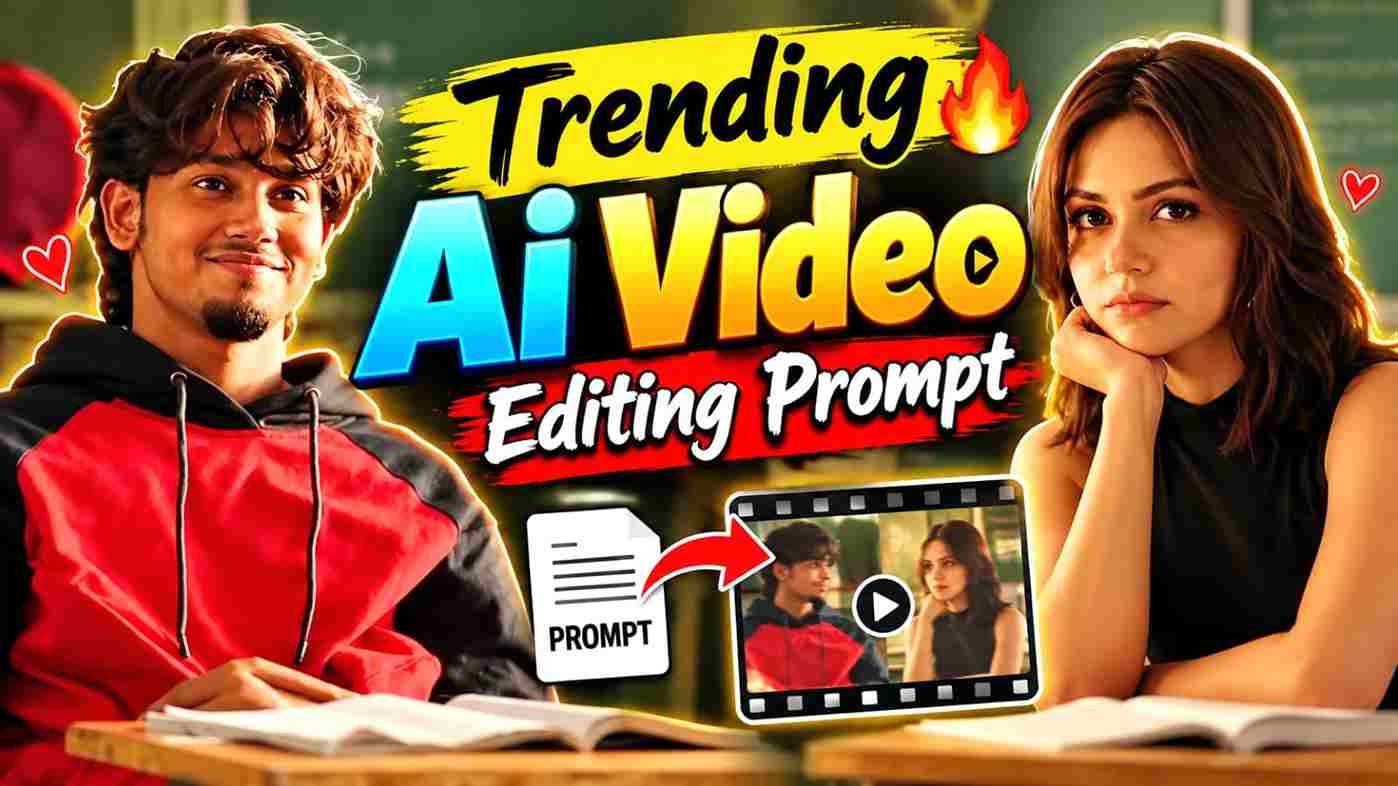
Trending AI Video Editing Prompt 2026 is a simple way to create creative and eye-catching videos with the help of AI. Instead of recording every scene yourself, you can use a reference video to guide the movement and camera style, a photo to represent the main character, and a detailed prompt to explain how you want the final video to look. This workflow is especially useful for creators who want to recreate trending video styles using their own photos. With Google Flow, you can add visual references and describe how they should be used in the generated clip, making it easier to create customized AI videos.
What Is Trending AI Video Editing Prompt?
An AI video editing prompt is a detailed instruction that tells the AI how to create your desired video. You can explain the character, movement, camera angle, location, lighting, background, and overall visual style in the prompt. In this editing technique, the reference video helps guide the movement and visual style, while the uploaded image is used as the main character reference. Flow allows users to add images or videos as ingredients and explain their purpose inside the text prompt. This combination can help you create a video that follows the desired action while using your own character reference.
Trending AI Video Editing Prompt
Use a clear photo of yourself and a below reference video, then copy the prompt below into Flow AI:
Use the uploaded reference video as the exact motion reference. Track the main subject’s full-body movement, posture, head movement, shoulder movement, hand/arm gestures, walking direction, weight shifts, and facial reactions frame-by-frame.

Preserve the original body-motion timing and choreography as closely as possible. The generated subject should follow the same poses, transitions, head turns, body orientation, gestures, and natural pauses as the reference video.

Keep human anatomy realistic and stable throughout the entire clip. Maintain consistent face, hairstyle, clothing, body proportions, and identity. No unnatural limb movement, no extra fingers or limbs, no body warping, no sudden pose changes.

Match the original camera movement, framing, perspective, shot transitions, and pacing. Keep the motion smooth, cinematic, realistic, and physically believable. Use subtle natural secondary motion in the hair and clothing while maintaining accurate body-motion tracking.

IMPORTANT: Prioritize accurate motion transfer from the reference video over creating new choreography. Do not change the timing or direction of the subject’s movements.
How to Create Trending AI Video Using Flow AI
Creating this AI video is simple when you have the right reference files. First, choose a suitable reference video that shows the action, movement, and camera style you want to recreate. Then select a clear, high-quality photo of yourself that you want to use as the main character reference. Open Google Flow, start a new project, and select the video generation option. Add both your reference video and reference image as ingredients or visual references. After uploading them, copy the Trending AI Video Editing Prompt from this page and paste it into the prompt box. Clearly describe how the reference video and image should be used, then select your preferred video settings and click Generate. Flow supports adding image and video references as ingredients for video generation.
Upload Reference Video and Image
The two reference files have different purposes in this workflow. The reference video should show the movement, action, camera direction, and overall style you want the AI to follow. Your reference image should show the person you want to place into the generated video. For better results, use a clear image with the face and overall appearance easily visible. Flow recommends using clean visual references and keeping the text prompt consistent with the visual inputs. After uploading both files, explain their roles clearly in your prompt so the AI understands which reference should control the movement and which should be used for the character.
Conclusion
I hope this guide helps you create your own Trending AI Video using Flow AI. By combining a reference video, your reference image, and the right AI prompt, you can create an engaging video with your preferred movement and character. After generating the video, you can make a few final adjustments, add music, and share it on Instagram Reels, YouTube Shorts, or other social media platforms. Try different reference videos and creative ideas to make your videos more unique. If you face any problems while creating the video, let us know in the comment box or on our social media page.