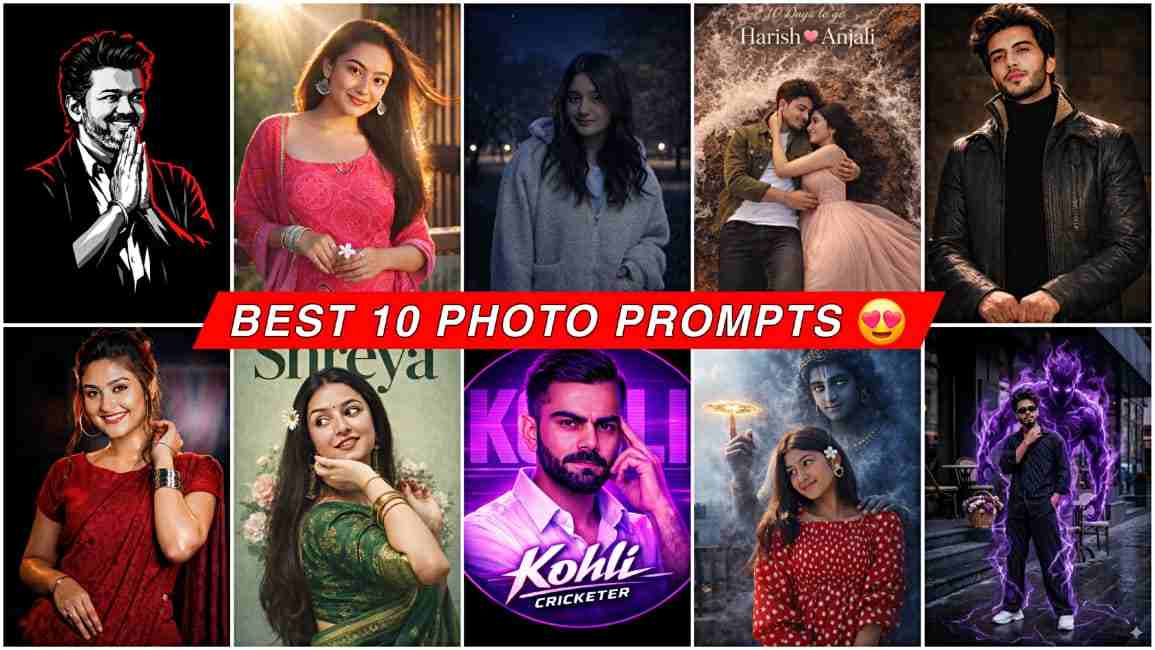
In this article, I am going to provide the top 10 AI photo editing prompts that will help you create amazing photos without spending hours on editing. Here, we provide 100% working and realistic prompts that you can easily use in ChatGPT or Gemini. One of the best things about these prompts is that we regularly add new prompts according to the latest trends, so you do not need to go anywhere else. Just visit this website and you will find all the trending prompts in one place. If you are a beginner, simply follow the steps given below to create realistic images easily.
How to Create AI Images with Prompts
If you want to create realistic AI images using prompts, then follow the steps below:
- First, open the ChatGPT or Gemini app.
- Then log in to your Google account (if you have not logged in before).
- Upload your clear face photo with proper lighting.
- Now paste the prompt (you can copy it from below).
- After that, click on the Create/Generate button and wait for the result.
- Sometimes the image may not match your expectations, so you can generate it again.
- Once you get the perfect image, save it to your phone.
10 Powerful Prompts for Photo Editing
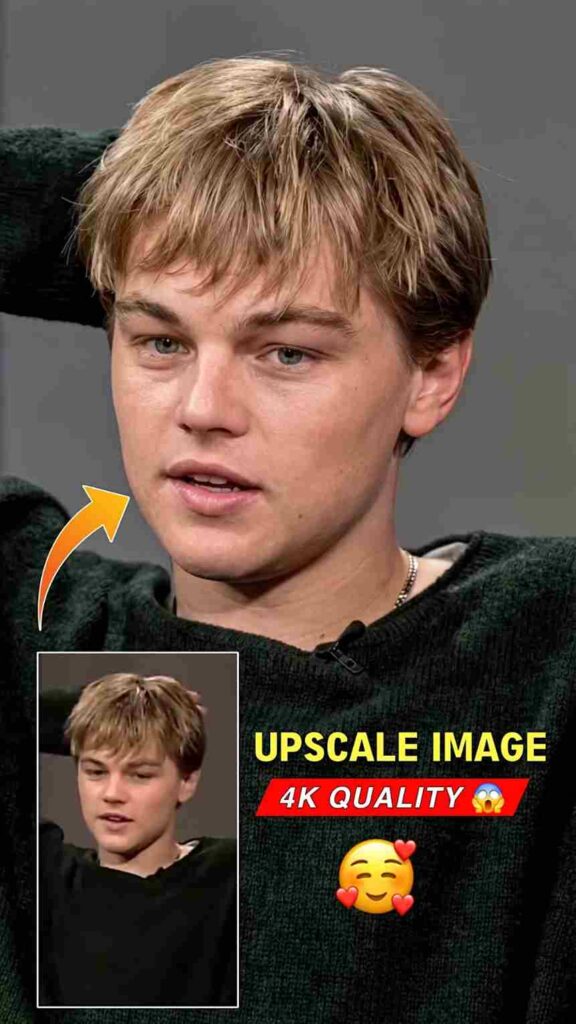
Upscale Image Prompt ⤵️
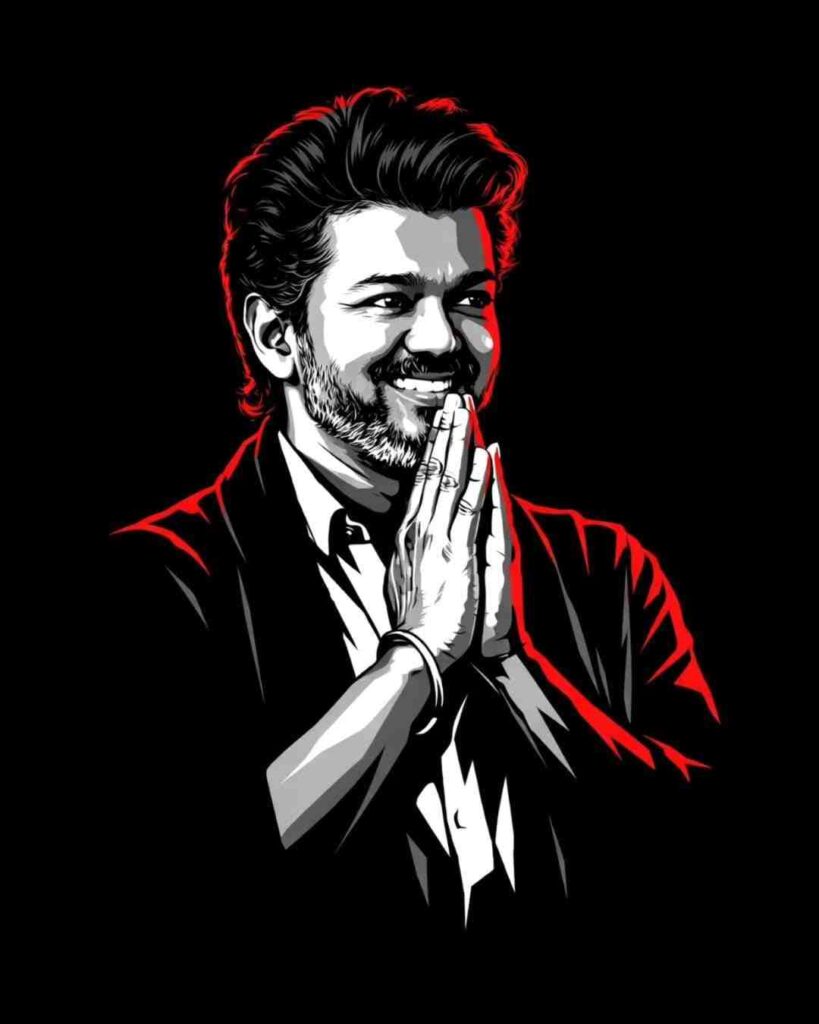
Vector Stylle Prompt ⤵️
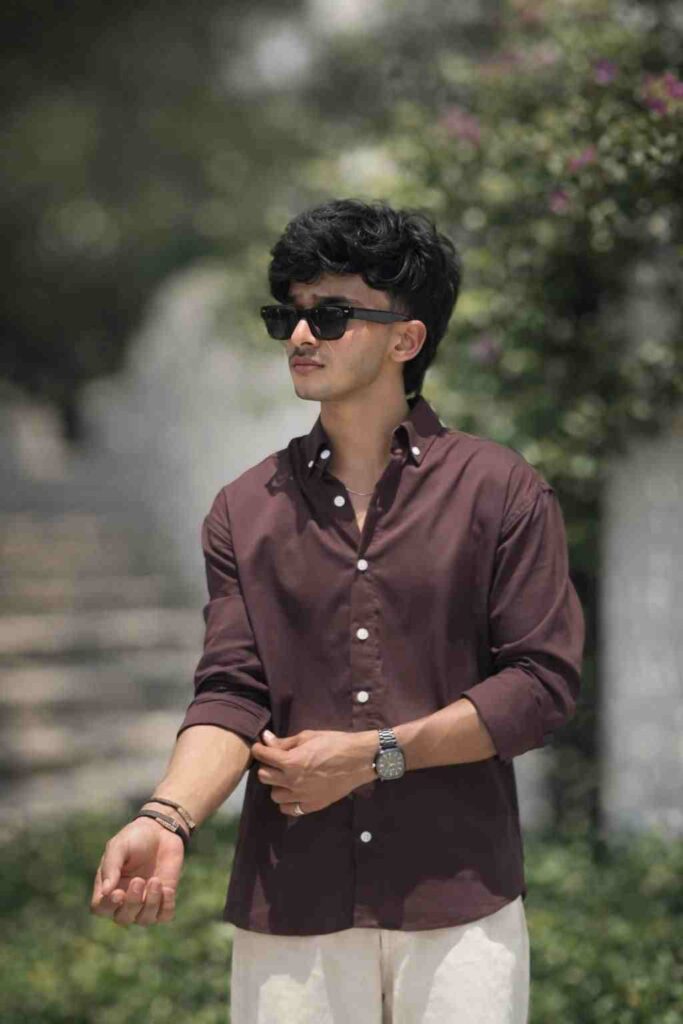
DSLR Blur Prompt ⤵️
Why Do People Prefer Prompts to Create Images?
People prefer prompts to create images because it makes the process fast, easy, and accessible for everyone. Instead of spending hours learning complex photo editing tools, users can simply write a short description and the AI generates a realistic image within seconds. Prompts also allow people to be more creative, as they can describe any style, background, lighting, or effect they want and instantly see the result. This saves time and effort while still producing high-quality visuals, which is why prompts have become very popular among content creators, designers, and social media users.
What Are the Top 10 Prompts?
We have provided the best 10 prompts above that can help you transform your normal photos into DSLR blur photos, vector-style images, and many other creative styles that look amazing. In the prompt section above, you will also find the latest prompts based on current Instagram trends. One thing we recommend is using the ChatGPT app, as in my experience it provides better and more realistic results than Gemini. Although it may take a little more time to generate the image, the final result is usually much better.
Conclusion
In this article, I have talked about the top 10 AI photo editing prompts that are trending on Instagram. Using these prompts, people can make their images look professional. The best thing about these prompts is that they give realistic results based on your reference image. Below, I have also shared a simple process through which you can easily create your images without any problem. If you face any issue, you can let me know in the comment box or on my Instagram handle, and I will reach you soon.

Super and nice