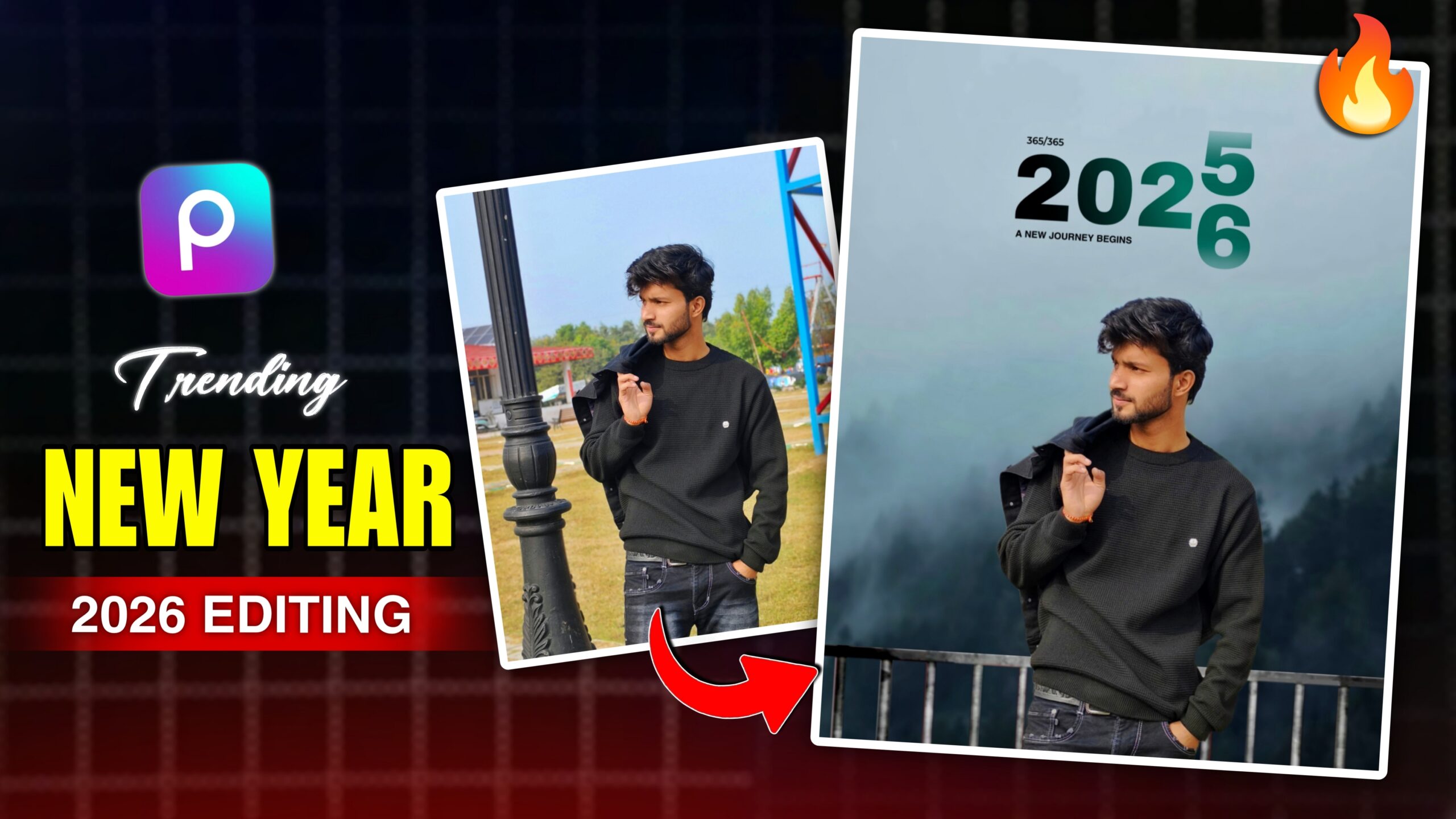
Instagram has become one of the most popular platforms for sharing creative photos. Every day, users upload selfies, portraits, travel shots, and stylish edits. A beautiful background can transform even an ordinary photo into something striking and impressive. That is why there is a huge demand for viral photo backgrounds on Instagram. Whether you are a beginner or a professional editor, using high-quality backgrounds makes your photos stand out and look more appealing. In this guide, you will discover where to find the best backgrounds, how to use them, and tips for creating stunning edits that garner more likes and engagement.
What Makes a Background Go Viral?
Beautiful colors alone aren’t enough for a viral-worthy backdrop; it requires a clean composition, intricate details, and excellent lighting. Popular backdrops typically feature modern settings, stunning scenery, or creative designs that make the subject stand out. Radiant skies, magnificent interiors, colorful flowers, and neon lighting are common examples. Furthermore, a good backdrop should align with the mood of your photo. When the subject and backdrop blend harmoniously, the resulting image looks authentic and grabs more attention on Instagram.
Tips for Creating Viral Instagram Photo Edits
Changing the background is just one aspect of good editing; often, it is the small details that matter most. Instead of relying solely on filters, professional producers invest time in refining lighting, colors, and composition. In a crowded Instagram feed, these adjustments make images stand out and look more appealing.
Natural lighting complements most backgrounds, so make use of it whenever possible. Avoid over-smoothing the skin and ensure skin tones remain natural. To achieve a realistic look, align the subject’s camera angle with the background. Subtle shadows, lighting effects, and high-quality PNG elements can enhance your edit without making it look artificial.
Why AI Background Editing Is Becoming Popular
Artificial Intelligence (AI) has revolutionized picture editing by making complex tasks incredibly easy. With just a single click, AI algorithms can generate realistic landscapes, automatically remove backgrounds, enhance image quality, and even replace the sky. These tools enable even beginners to achieve stunning edits without requiring specialized skills.
The use of AI is rapidly growing among creators because it saves time and delivers reliable results. Instead of spending hours on manual selections, editors can focus on creativity and storytelling. As AI technology advances, background editing will become even faster and more realistic.
Press and hold On the background
Then Download⤵️



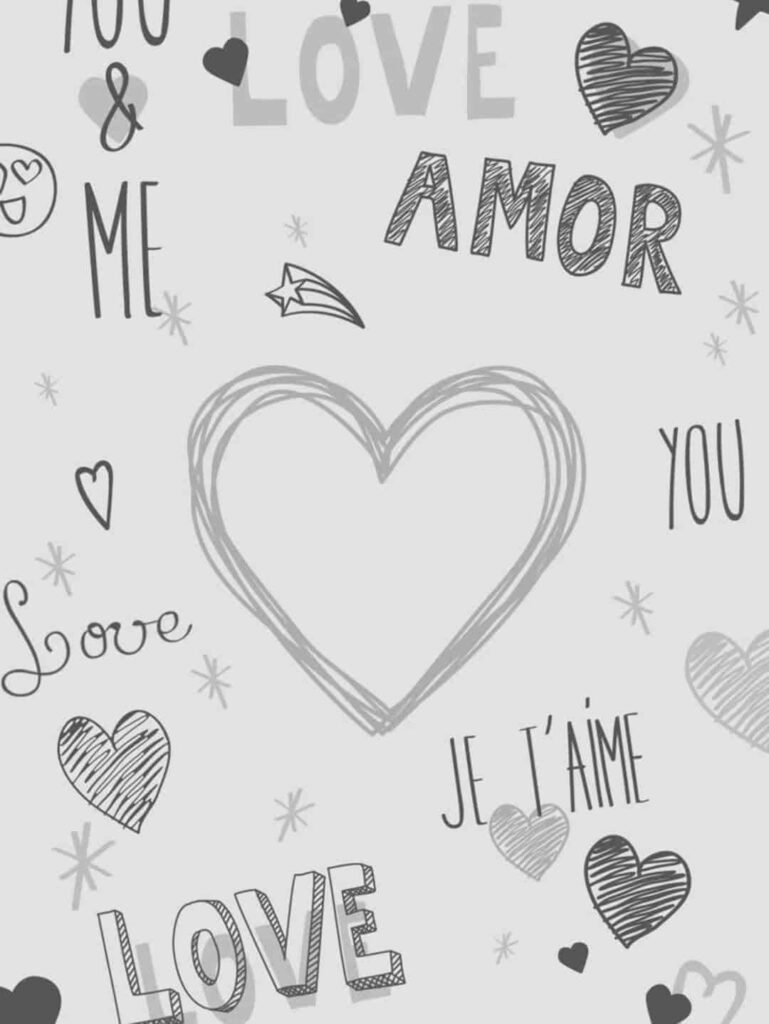









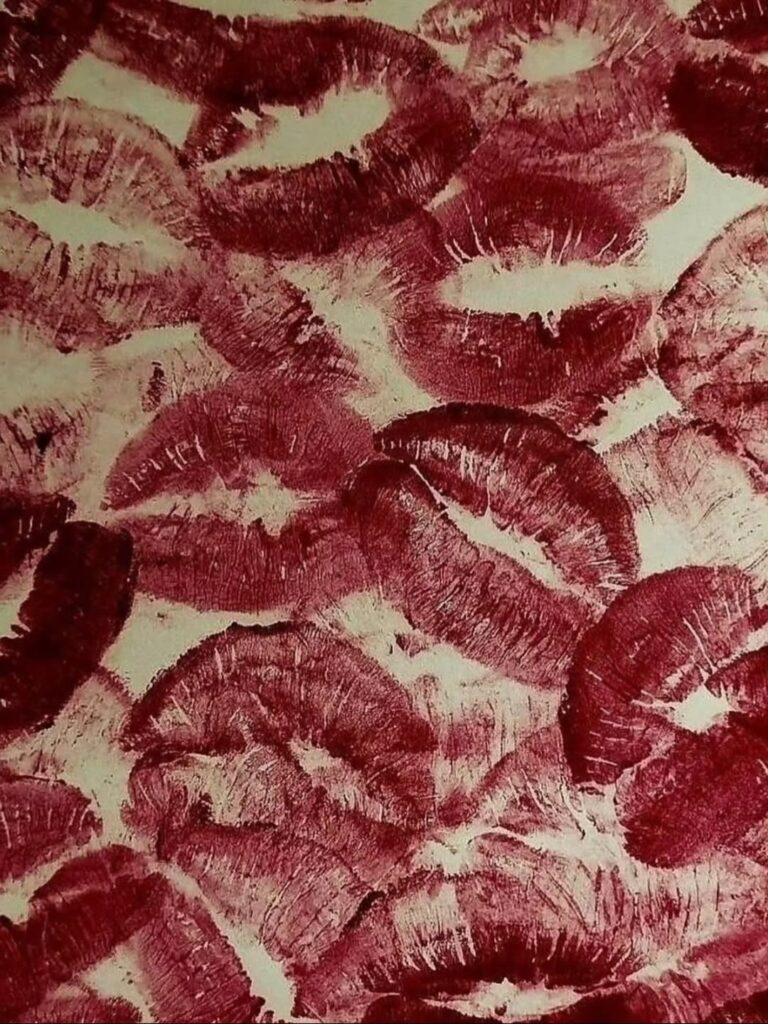
How to Use These Backgrounds
After downloading your favorite viral Instagram background, you can use it in two easy ways. The first method uses AI for automatic editing, while the second allows you to manually edit the photo using popular editing apps. Choose the method that best suits your editing style.
1. Create the Photo with AI
Upload your portrait and the background you downloaded from this page to your AI photo editing tool. Then, copy the prompt below and paste it into the AI.
PROMPT For Making Photo ⤵️
Apply the first previous background properly to our photo and do Cb editing without changing the face. Image with a white border around the subject.
Apply the first previous background properly to our photo and do Cb editing without changing the face. Image with a white border around the subject.
The AI will automatically place the selected background behind your photo, keep your face unchanged, and create a clean edit with a white border around the subject. Once the image is generated, download it in HD quality and share it on Instagram.
2. Edit the Photo Manually
How to Edit the Photo Manually
If you enjoy editing photos yourself, you can use apps like PicsArt, InShot, Canva, PhotoRoom, or any other photo editing app. First, choose and add your favorite background. Then, import your original photo and remove its background. Add a white border around your photo. After that, adjust the brightness, shadows, contrast, and colors until the image looks natural and well-balanced. Finally, save the edited photo in HD or 4K quality for the best possible result..
Which Method Is Better?
Since making changes requires just a few clicks, AI technology is the fastest and ideal for beginners. If you want to personalize your photos, manual editing is best because it gives you greater control over every aspect. When using high-quality backdrops, both methods allow you to create professional-looking edits for Instagram.
Conclusion
Using backgrounds for Instagram photos makes photo editing easier, faster, and more creative. Whether you prefer nature scenes, stunning interiors, beaches, or city skylines, a high-quality background can completely transform your images. Combining the right background with proper lighting and color adjustments creates professional-looking photos that truly stand out on social media.
Keep experimenting with new editing styles and updating your collection with the latest HD and 4K backgrounds. With the right tools and creative ideas, you can craft stunning Instagram photos that drive higher engagement and leave a lasting impression.