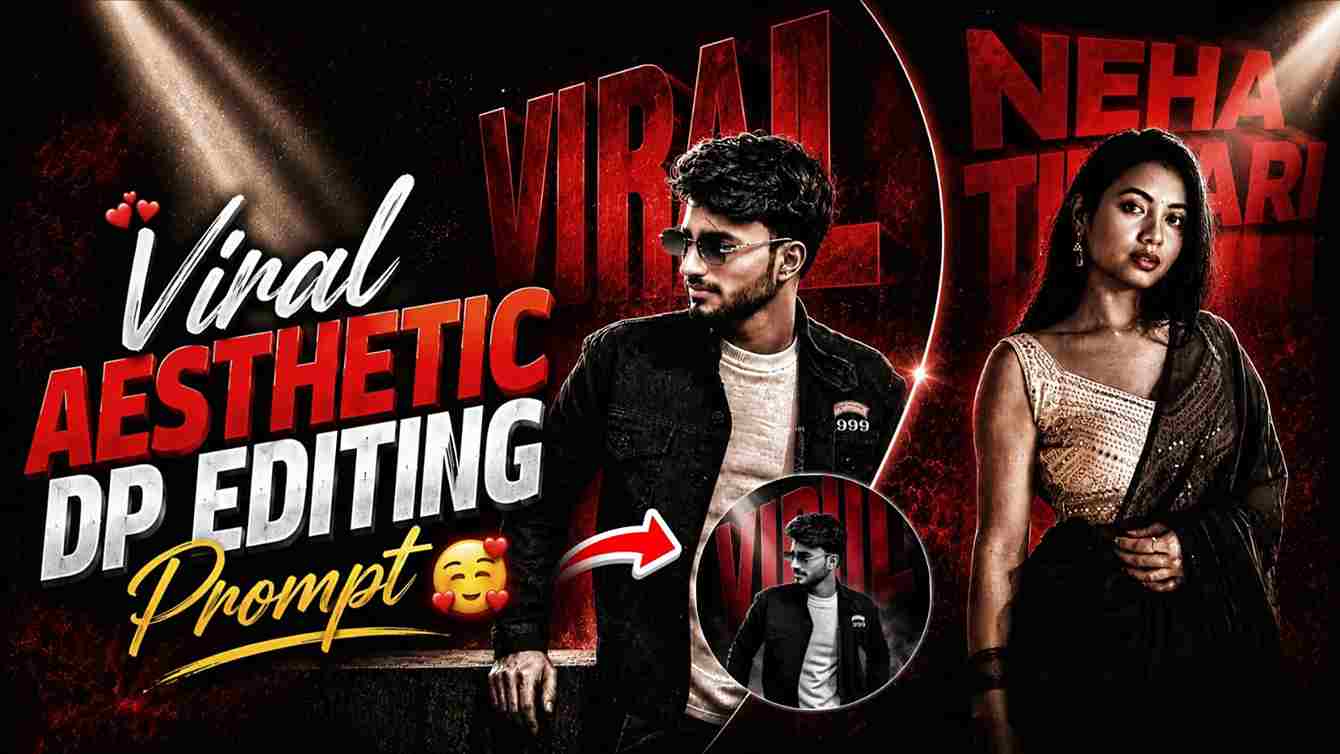
Friends, in this article, I am going to share the top best aesthetic DP editing prompts through which you can easily create a professional-looking DP without spending hours of time or putting in too much effort. In just a few steps, your amazing DP will be ready. Nowadays, AI tools are becoming very helpful in almost every field, whether it is content creation, education, or the IT sector. If you really want to edit your DP, then you should check out this full article for better guidance. Literally, you will be able to create your own stunning DP easily.
What is an AI DP Photo Editing Prompt?
An AI DP photo editing prompt is a detailed text instruction used in AI tools to create or edit a display picture (DP) automatically. These prompts describe the style, lighting, background, pose, outfit, colors, effects, and overall look you want in the final image. By using a good AI prompt, you can turn a normal photo into a professional, cinematic, aesthetic, or viral-looking DP within seconds without advanced editing skills. AI DP photo editing prompts are mainly used in tools like ChatGPT, OpenAI image generators, Adobe AI tools, and other photo editing platforms to create unique and eye-catching profile pictures for social media.
Top Best ChatGPT Prompts for DP Editing
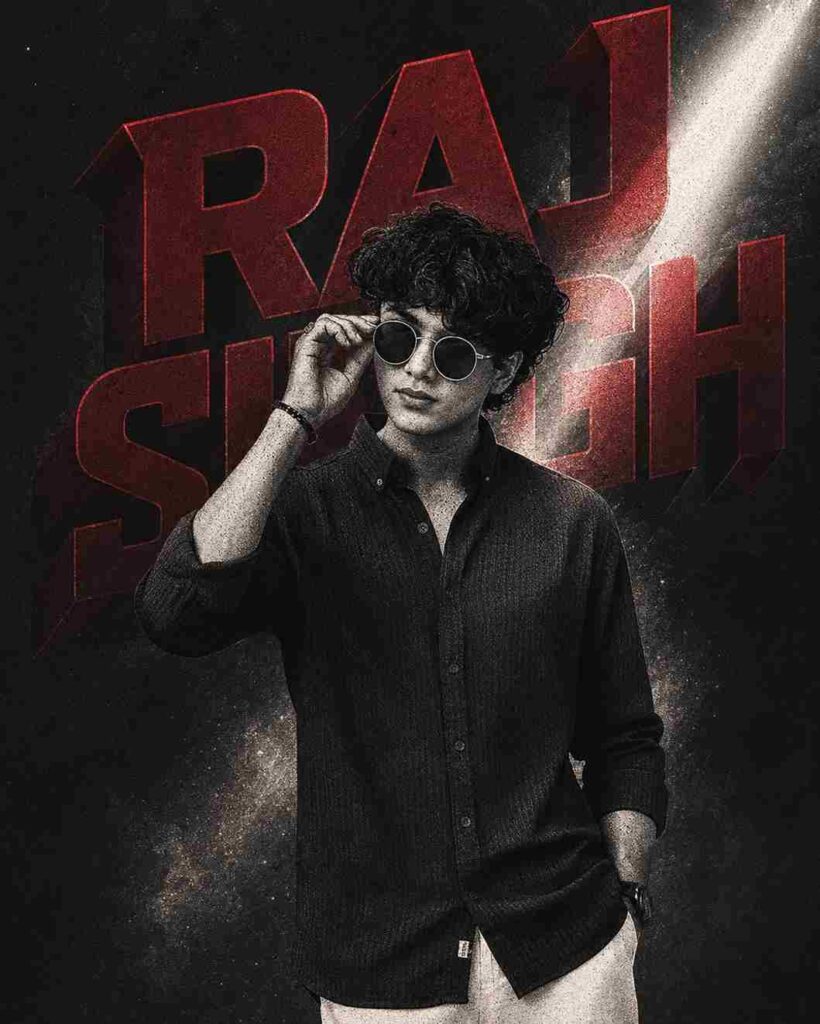
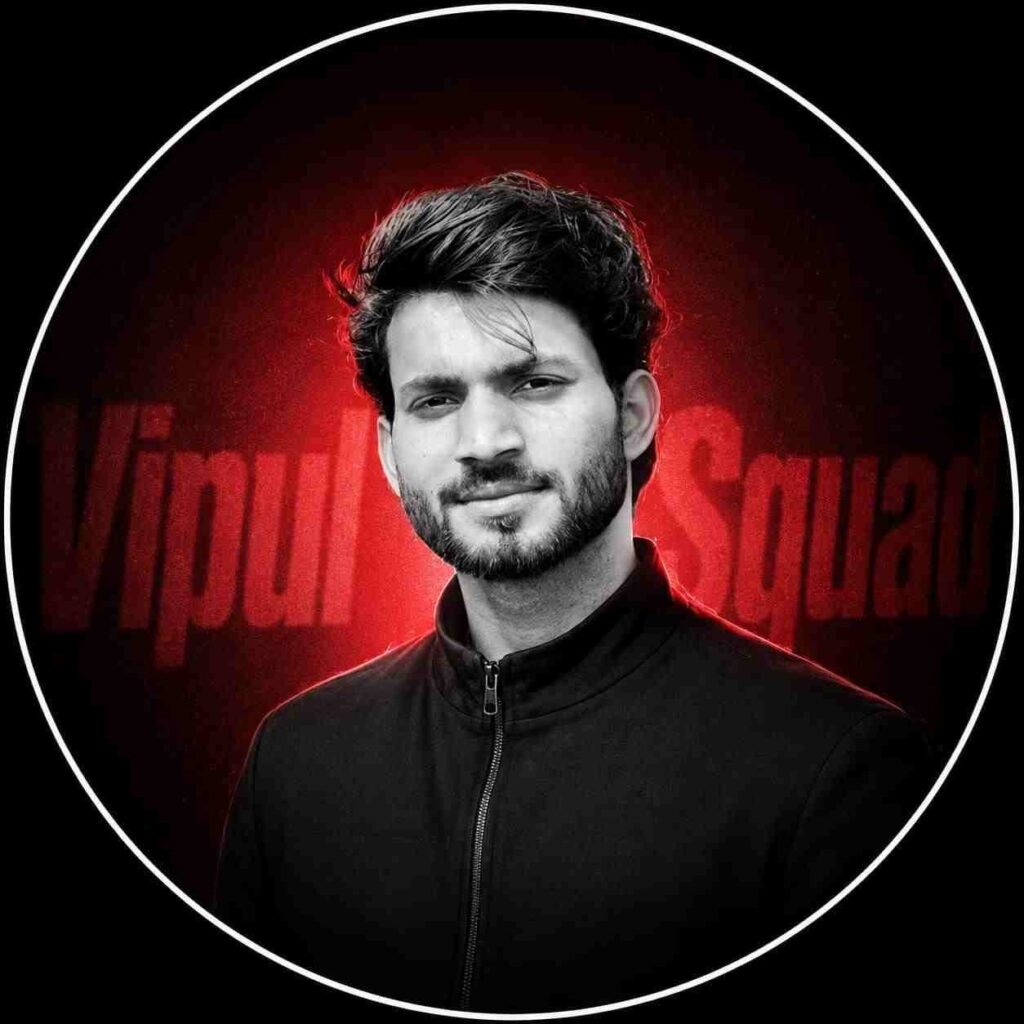
Blur the picture and overlay the text with suitable colours as reference pic. The subject from the uploaded image is captured in a cinematic double exposure portrait. The image maintains the same pose and profile view, rendered in a grainy, high-contrast black-and-white halftone manga-style texture. Behind the subject, a large bold 3D geometric shape or typography reading “Virat Kohli” in deep crimson red creates a sharp silhouette. A dramatic beam of white light cuts across the frame, highlighting subtle atmospheric particles or mist, creating a glowing cinematic effect. The expression is intense and calm, with strong shadows enhancing facial features. The composition is powerful, minimal, and highly stylized, with no smoking or distracting elements. Face should closely match the uploaded image. Ultra-detailed, cinematic lighting, poster design, 4:5 aspect ratio.
Ultra-realistic cinematic studio portrait of the SAME person from the reference image, 100% face match, identical facial structure, jawline, beard style, lips, nose, skin tone, hairstyle and hair volume preserved exactly, front-facing pose with head slightly tilted downward, eyes looking down, serious and angry expression, wearing round black sunglasses and a black shirt, black oversized curly textured hair with strong rim light highlights, low-key studio lighting, dramatic side rim light outlining face and hair, deep shadows, black background, moody atmosphere, ultra detailed skin texture, sharp jawline, minimal light hitting the face, high contrast editorial fashion photography, volumetric lighting, shallow depth of field, DSLR 82mm lens look, centered composition, ultra realistic, 8K, Instagram aesthetic, cinematic color grading, studio quality, realistic skin pores, exact same person identity retention, no face change, no facial distortion, preserve original face naturally, photorealistic masterpiece
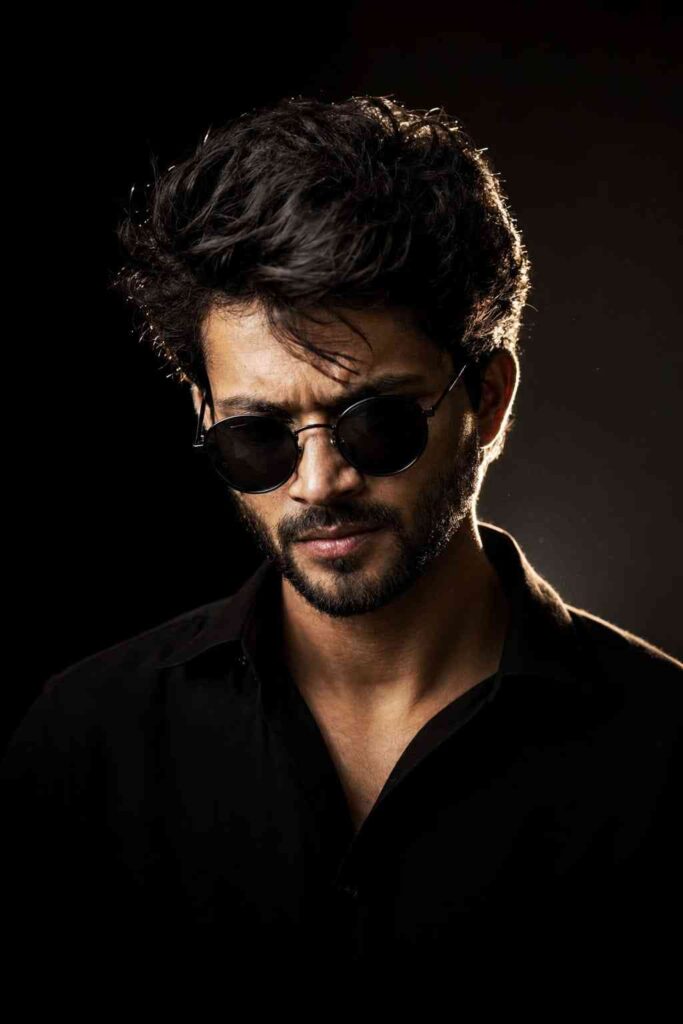
Ultra-realistic cinematic studio portrait of the SAME person from the reference image, 100% face match, identical facial structure, jawline, beard style, lips, nose, skin tone, hairstyle and hair volume preserved exactly, front-facing pose with head slightly tilted downward, eyes looking down, serious and angry expression, wearing round black sunglasses and a black shirt, black oversized curly textured hair with strong rim light highlights, low-key studio lighting, dramatic side rim light outlining face and hair, deep shadows, black background, moody atmosphere, ultra detailed skin texture, sharp jawline, minimal light hitting the face, high contrast editorial fashion photography, volumetric lighting, shallow depth of field, DSLR 82mm lens look, centered composition, ultra realistic, 8K, Instagram aesthetic, cinematic color grading, studio quality, realistic skin pores, exact same person identity retention, no face change, no facial distortion, preserve original face naturally, photorealistic masterpiece.
How to Create a Professional DP Easily
If you are really interested in making a DP, then please follow the simple steps below through which you can definitely create your AI DP for free. To create an AI DP, you must have ChatGPT or Google Gemini. Once you have it, open it on your device. If you are using it for the first time, then you need to sign up or log in. After logging in, upload your clear photo in which your face is properly visible. After that, paste the prompt that you can copy from the paragraph above. You can copy it in one click by tapping on the copy button in the top right corner of the prompt. Once the prompt is copied, paste it into ChatGPT or Gemini and click on the send button. Then wait for a while until the image is generated. After some time, your image will be ready. Just save it on your device.
Benefits of Using ChatGPT or Gemini for AI Photo Editing
Nowadays, AI tools like OpenAI ChatGPT and Google Gemini are becoming extremely useful for everyone. These tools help users create professional-quality content, generate ideas, edit photos, write articles, and even design stunning AI display pictures within seconds. One of the biggest benefits of using ChatGPT or Gemini for AI photo editing is that you do not need advanced editing skills or expensive software. You simply upload your photo, paste a well-written prompt, and the AI automatically creates an amazing professional-looking DP for you. These AI tools also save a lot of time and effort while giving high-quality and creative results that look modern, cinematic, and attractive for social media profiles.
Conclusion
Let me tell you, in this article I have covered all the important points that are very helpful in your DP editing process. Basically, in the 3rd paragraph, there are a total of 3 prompts. You can copy any prompt and create your DP easily. If you get your desired result, then you can appreciate my work in the comments. If you face any problem during the DP generation process, then let me know your issue and I will try to fix it as soon as possible. I hope this article helps you a lot in creating an amazing and professional-looking DP.