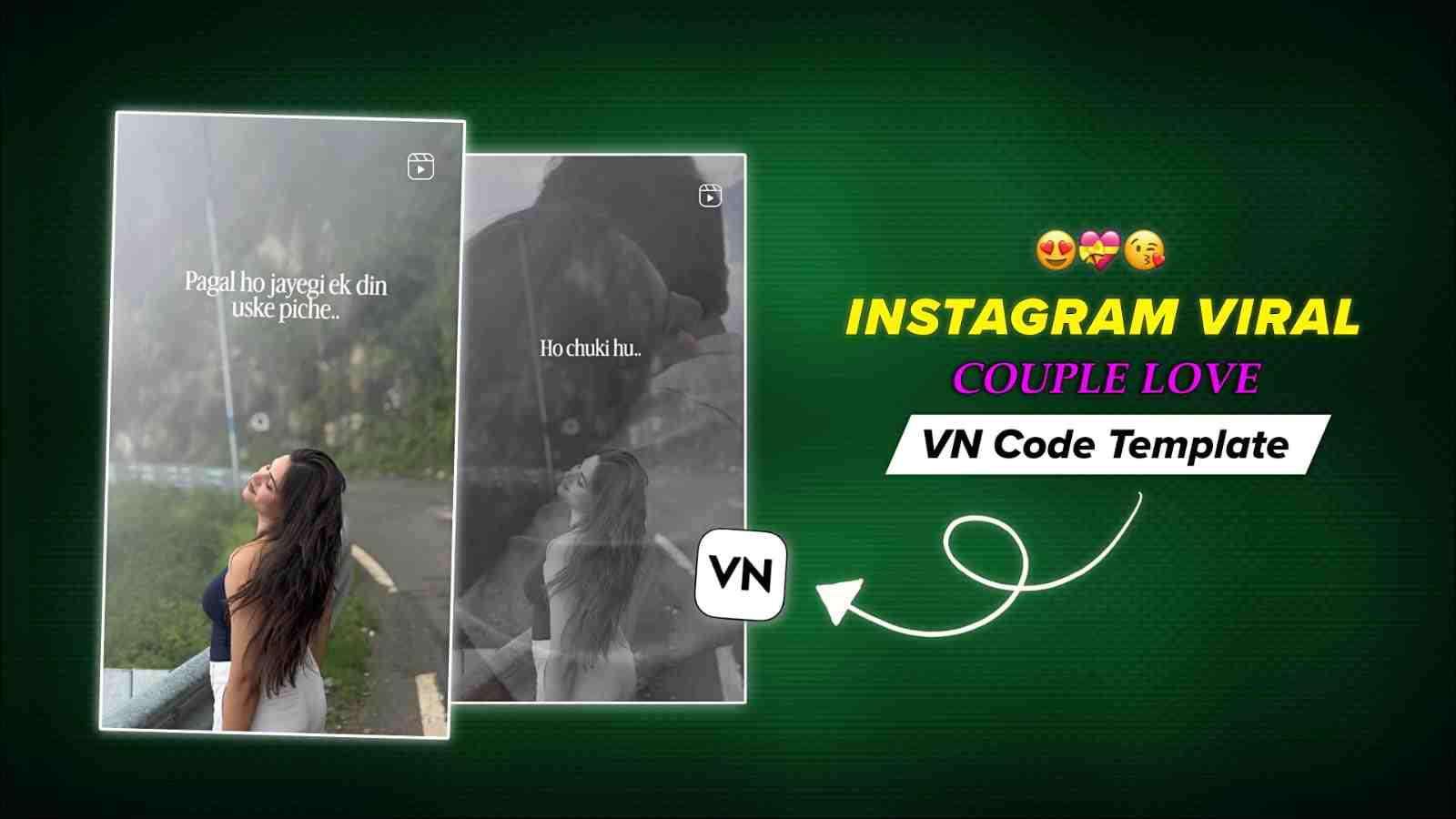
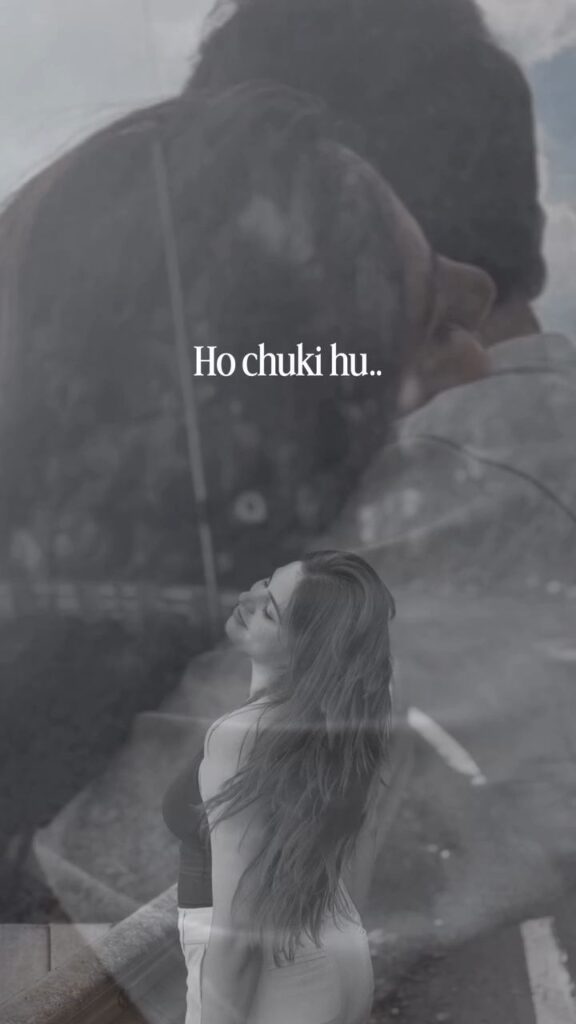
Friends, in this article, I am going to share a lovely VN template code. Basically, in this template, a girl expresses her feelings when someone says to her, “Pagal ho jayegi ek din uske piche,” and then she replies, “Ho chuki hoon.” It shows that she truly loves him and considers that guy everything to her. So, if you are interested in making such fall-in-love videos, then check out this article completely. Using the VN code, you do not need to spend too much time or put in much editing effort. In just a few simple steps, you can easily create your video.
Why Are VN Templates So Popular Among People?
VN Templates are becoming increasingly popular among people because they make video editing quick, simple, and accessible to everyone. With ready-made effects, transitions, music, text animations, and stylish editing, users can create attractive and trending videos without spending hours editing from scratch. VN Templates are especially popular among Instagram Reels, YouTube Shorts, and other social media creators who want to make engaging videos with minimal effort. By simply adding their photos or clips to a suitable VN Template, users can easily create professional-looking videos and share them on social media.
Why Use VN Video Editor App?
VN Video Editor is a popular video editing app for creating trending Instagram Reels, YouTube Shorts, and social media videos. Its simple interface makes editing easy, even for beginners. Users can add stylish transitions, effects, filters, text animations, music, and other creative elements. VN Templates and VN Code features help users create attractive videos without starting from scratch. Whether you want to make romantic, aesthetic, or trending videos, VN Video Editor provides useful tools to create professional-looking content quickly with minimal editing effort.
How to Use a VN Code Template in VN Video Editor
Creating a trending video with a VN Code Template is quick and beginner-friendly. You can apply a ready-made edit to your photos or video clips without spending a lot of time on manual editing. Just follow these simple steps:
- Install the VN Video Editor app from the Play Store or App Store.
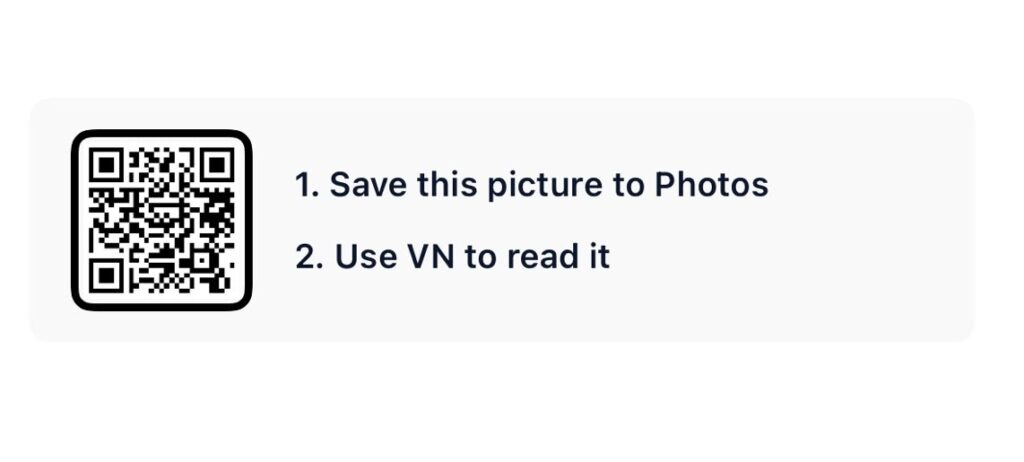
- Save the VN Code image to your gallery.
- Open VN Video Editor and tap the Scanner option.
- Select the saved VN Code image from your gallery.
- Tap Download and then select Use Template.
- Choose your photos or video clips.
- Preview the video and make any final changes.
- Tap Export to save your video in high quality.
Final Words
In this article, I have guided you through the Pagal Ho Jayegi Ek Din Uske Piche VN Code and explained how you can use this trending VN template to create a lovely fall-in-love video. I have covered the complete process, from understanding the template to using the VN Code in the VN Video Editor app. I hope you have understood all the steps and successfully created your video. If you enjoyed this VN template, feel free to share your feedback in the comment box. If you face any issues while using the VN Code, you can also share your problem with me, and I will try my best to help you.