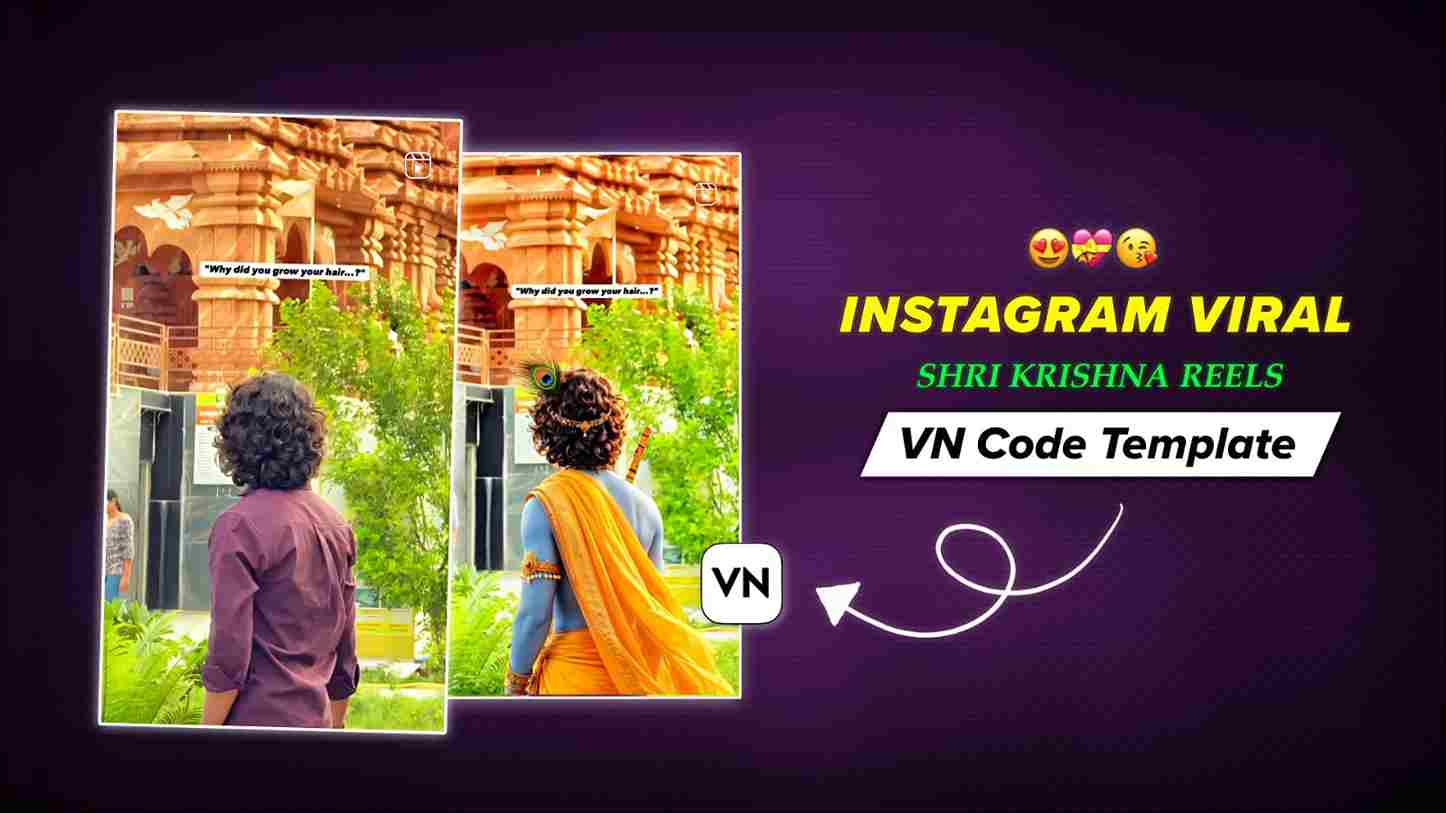
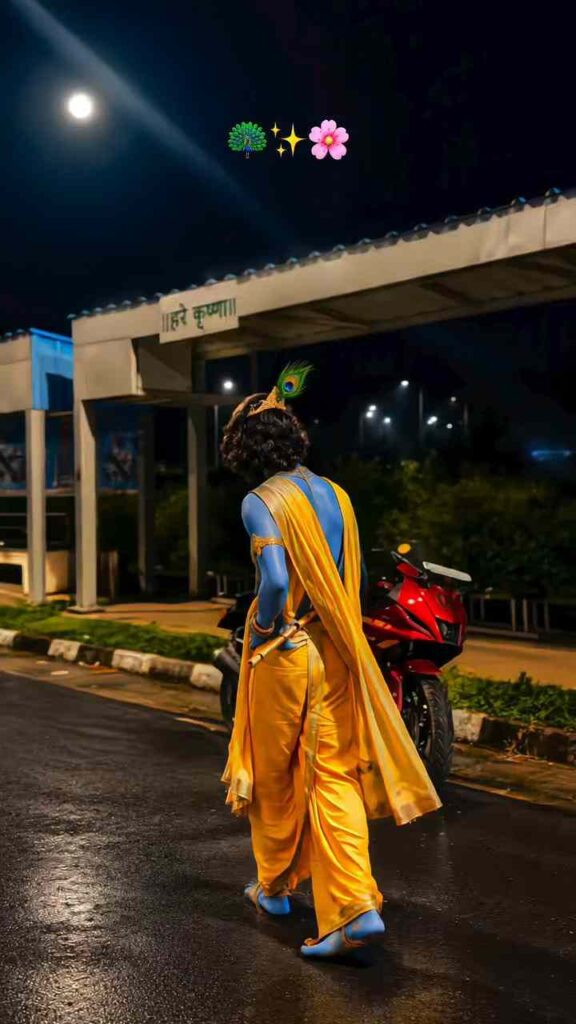
Currently, Shri Krishna videos are going viral on Instagram, and many creators are getting millions of views by making Krishna Ji–related Reels. Since Krishna Janmashtami is coming up, this is the perfect time to create Krishna-themed videos and try to make your content go viral. If you’re interested in making Reels and want to make this Krishna Janmashtami extra special, you should definitely try this trending video idea. The best part is that I’ll teach you how to create it using a VN Template, so you don’t need any editing skills or complicated editing. In just a few simple steps, you can create a beautiful Krishna Ji trending Reel within minutes. So, read this entire article to learn the complete process and create your own viral-style Krishna Janmashtami video.
Why Do We Celebrate Krishna Janmashtami Every Year?
Krishna Janmashtami is celebrated every year to mark the birth of Lord Krishna, one of the most beloved deities in Hinduism. According to Hindu scriptures, Lord Krishna was born on the Ashtami Tithi of Krishna Paksha in the month of Bhadrapada to protect people from evil and restore dharma. He was born in Mathura to Devaki and Vasudeva and later became known for his wisdom, teachings, and divine leelas. Krishna Janmashtami is celebrated with great devotion across India and around the world. Devotees observe fasting, visit temples, sing bhajans, perform prayers, and participate in midnight celebrations. The festival reminds us of the victory of good over evil, the importance of devotion, righteousness, and following dharma in life.
How to Use a VN Code Template in VN Video Editor
Using a VN Code Template is an easy way to create trending Instagram Reels without spending hours editing. Follow these simple steps:
- Finally, tap Export to save your finished video in high quality.
- Install the latest VN Video Editor app from the Play Store or App Store.
- Save the VN Code image or take a screenshot and keep it in your gallery.
- Open VN and tap the Scanner option.
- Select the saved VN Code image from your gallery.
- After the template appears, tap Download and then select Use Template.
- Choose your photos or video clips from your gallery.
- Preview the video and make any necessary changes.

What Is VN Video Editor and What Features Does It Offer?
VN Video Editor is a popular mobile video editing app that makes it easy to create professional-looking videos without advanced editing skills. It is suitable for beginners and experienced creators who want to make Instagram Reels, YouTube Shorts, status videos, and other social media content. VN offers useful features such as VN Templates, VN Code Templates, transitions, filters, video effects, text animations, music, speed control, keyframe animation, and multi-layer editing. Its VN Code Template feature allows users to quickly recreate trending video styles by importing a ready-made template and replacing the existing photos or video clips with their own. With its simple interface and powerful editing features, VN Video Editor is a great option for creating trending Instagram Reels, including festive and devotional videos for Shri Krishna Janmashtami.
Conclusion
In this article, I have guided you through Instagram trending Shri Krishna Reels editing using a VN Template in the VN app. Basically, I have covered the complete process, including why you should create such Reels right now and how to use a VN Code in the VN app. I hope you have understood all the steps and successfully created your video. If you have, you can share your feedback in the comment box as a token of appreciation. If you face any issues, feel free to share your problem with me as well, so that I can quickly help you resolve it.