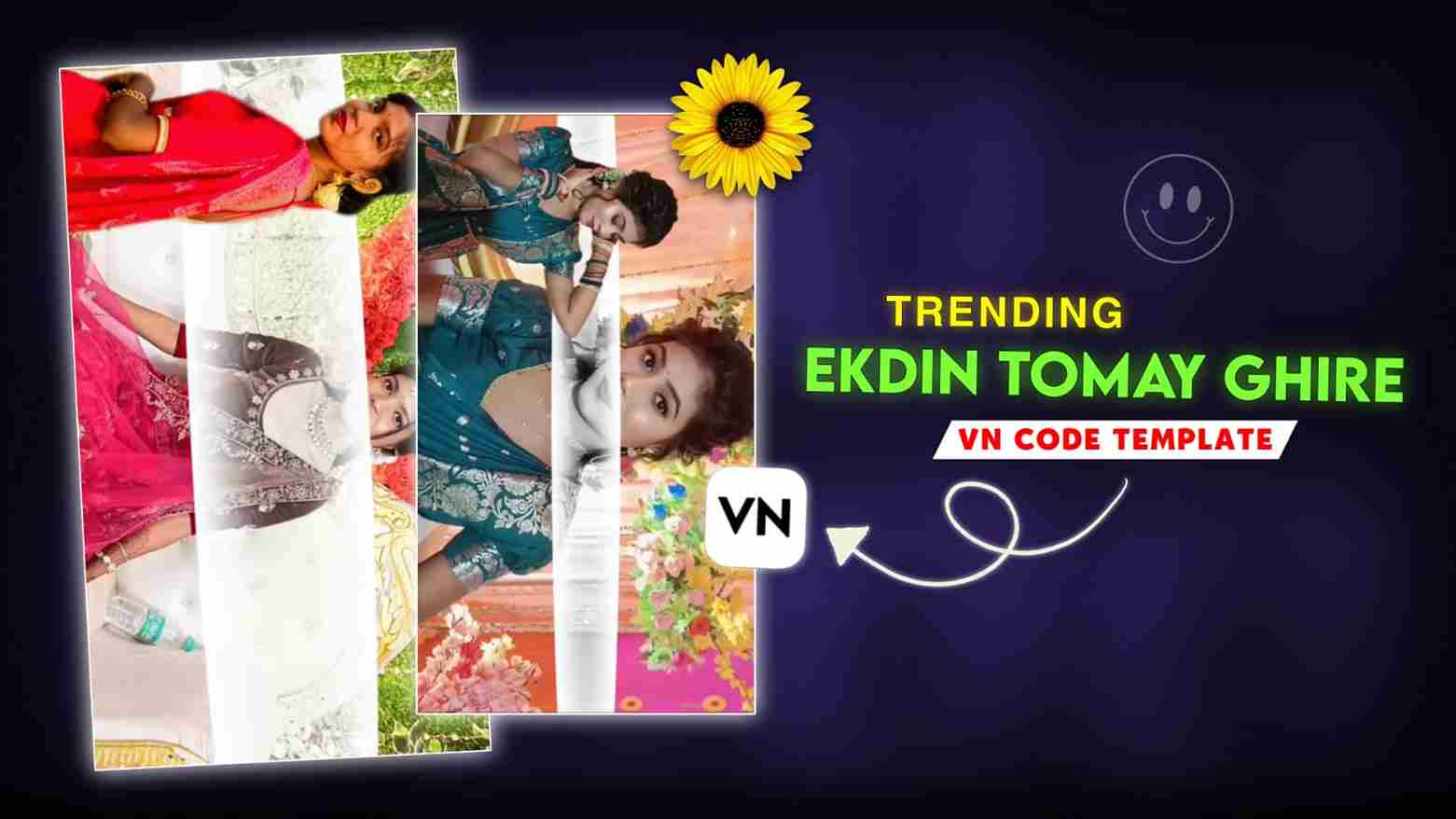
Ekdin Tomay Ghire VN Code Reels Editing: In this article, I’ll show you how to create a trending video edit in a simple and easy way. If you use Instagram regularly, you’ve probably noticed that reels on trending Bengali songs are going viral, and many creators—both boys and girls—are making these edits. If you also want to try this but don’t know how to edit, don’t worry. I’m sharing a VN code template that will help you create your own reel without any complicated steps. Just follow a few simple instructions, and your trending video will be ready in no time. I’ve explained the complete process step by step below, so make sure to read the post till the end.
Details Of Ekdin Tomay Ghire VN Code Template
Now let me explain this editing style in a more simple and relatable way. This reel is created on a trending Bengali song and follows a flashback-style concept, which gives your video a very emotional and cinematic vibe. In this edit, your photo appears as a cutout on one side of the screen, while in the background an album-style video runs using your own pictures. As the video plays, your photos appear one after another like a fast slideshow with smooth transitions and clean effects, making the overall edit look professional and eye-catching. You’ll also notice Bengali text at the top, which adds an extra emotional touch to the video. The best part is that you don’t need any advanced editing skills—just use the VN code template, follow a few simple steps, and your romantic, trending reel will be ready in no time.

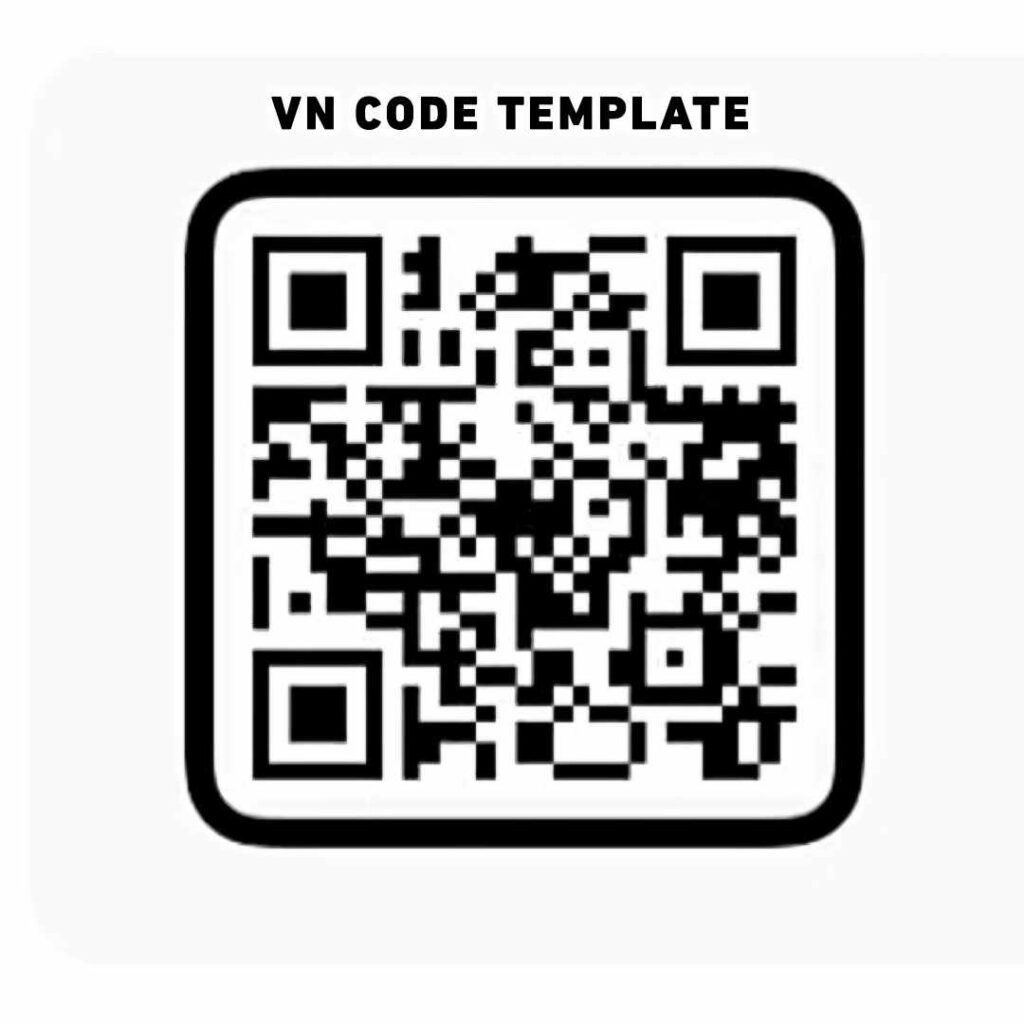
Take a Screenshot or Save ⬇️
Benefits Of Using VN Code Template
There are many benefits of using a VN code template. You can easily create trendy, professional, and high-quality videos without much effort. When you use VN code, you don’t need to pay for video editing. The best part is that you can customize several elements such as color grading, cropping, and text according to your needs. For this, you just need the VN Video Editor, which is available for free on both the Play Store and App Store. Although it is not completely free, most of its features are free and are more than enough for learning basic video editing. Right now, many creators are using VN code to make videos in a very short time, so I highly recommend using VN code.
How to Use Ekdin Tomay Ghire VN Code Template
As I have provided the VN code in the second paragraph, first you need to take a screenshot or save it to your phone. After that, open the VN app. If you don’t have it, you can install it from the Play Store or App Store, as it is freely available. Once installed, open the app and go to the scanner option at the top right corner. Select the screenshot of the VN code you saved, and a download pop-up will appear—click on it. Then tap on “Use Template” and select your photos or videos as required by the template. After following all these steps, your video will be ready to export. Finally, export it in 1080p resolution for the best Instagram quality.
Conclusion
Friends, if you have followed the steps mentioned in this article, you can easily create your video. Nowadays, making trending videos for Instagram and YouTube has become very easy with the help of templates. We should thank these templates because they allow anyone—whether a beginner or an experienced creator—to make videos effortlessly. I hope you all have understood the complete editing process. If you face any problem or have any queries, feel free to contact us in the comment box or on social media.