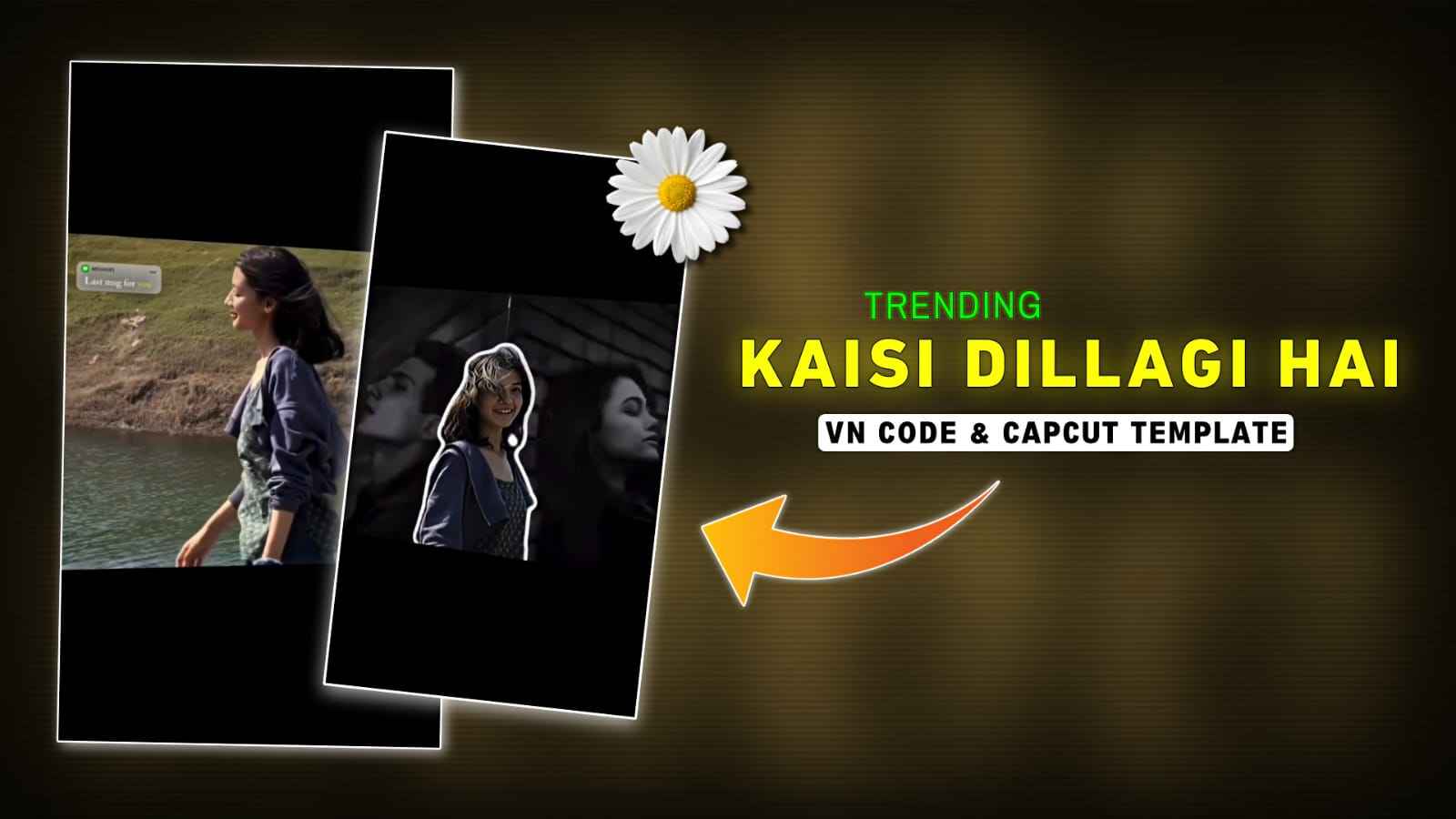
Kaisi Dillagi Hai Tu VN Code & CapCut Template – In today’s article, I have brought a VN code and CapCut template for creating viral “Kaisi Dillagi Hai Tu” song videos. You might have seen such trending reels on Instagram, where many people create these videos manually. However, by using a VN code or CapCut template, you can easily create a professional-level video by following just a few simple steps, which I have explained in the paragraphs below. So, if you are interested in making such videos without spending much time or effort, make sure to read the entire article below.
Full Breakdown of Kaisi Dillagi Hai Tu Video Style
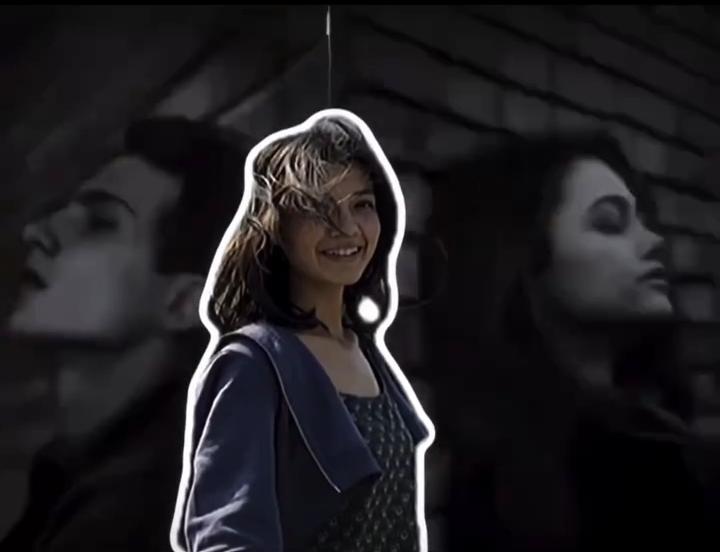
Before you start, let’s quickly understand how this template works. In the preview, the video begins with a smooth clip, followed by an on-screen text message that sets the mood. Right after that, a WhatsApp-style audio plays with the line, “I have walked out of your life, and it is entirely because of you,” adding an emotional touch. As soon as the audio ends, the video freezes, the background fades out, and a clean cutout of the subject appears. At the same time, a flashback sequence starts in the background, designed like a photo album showing memorable moments with your partner. The template also includes slow-motion effects and cinematic transitions. Overall, you can easily recreate this editing style without any complicated steps.
How to Edit Videos Using VN Code Easily
To use a VN code, you must first have the VN app, which you can install from the Play Store. After that, save the VN code or take a screenshot of it. Now open the VN application, click on the scanner option in the top right corner, and select the VN code from your gallery. Then tap on “Use Template” and import all your clips. Your video will be edited within a minute. In the VN app, you will also see a “Modify” option where you can add filters, text, and use the crop tool to customize your video as per your needs.

Download or Take a Screenshot of this VN Code ⬇️

How to Make Videos with capcut template?
It is very easy to create a video using a CapCut template. First, you need to have the CapCut app installed. Once you have it, open Google and search for Vipul Squad, then open the first website and go to the trending template post. Scroll down and click on the “Use Template on CapCut” button. After that, you will be redirected to the CapCut app, where you need to import your clips into the template. You will see an edit option that allows you to customize your videos as needed. Finally, export your video in the best resolution for better quality.
What is the VN Code & Capcut Template?
A VN code is similar to a QR code that contains multiple instructions and styles for video editing. It is created by professional content creators using the VN Video Editor app. First, they manually edit a video according to current trends, and then convert that project into a VN code template, which they share on social media so users can easily recreate the same edit by simply scanning the code. Once the VN code is scanned in the VN app, the template opens, allowing users to import their clips, and the video gets edited automatically.
Similarly, a CapCut template is a ready-made set of instructions that includes the complete A-to-Z video editing process. These templates are also created by professional editors who first edit videos step by step and then convert them into template format. They share these templates via links, and users only need to click the link to open the template in CapCut, import their videos, and export the final edited video.
Conclusion
This is how you can create your trending “Kaisi Dillagi Hai” song videos using VN code and CapCut templates. We have provided two options: one for the VN app and one for the CapCut app. You can use either template based on your preference. If you are comfortable with VN code, you can go with that; otherwise, you can choose the CapCut template. We hope you enjoy this entire video editing process. If you face any problems at any point, feel free to let us know in the comment box or contact us through our social media handles.