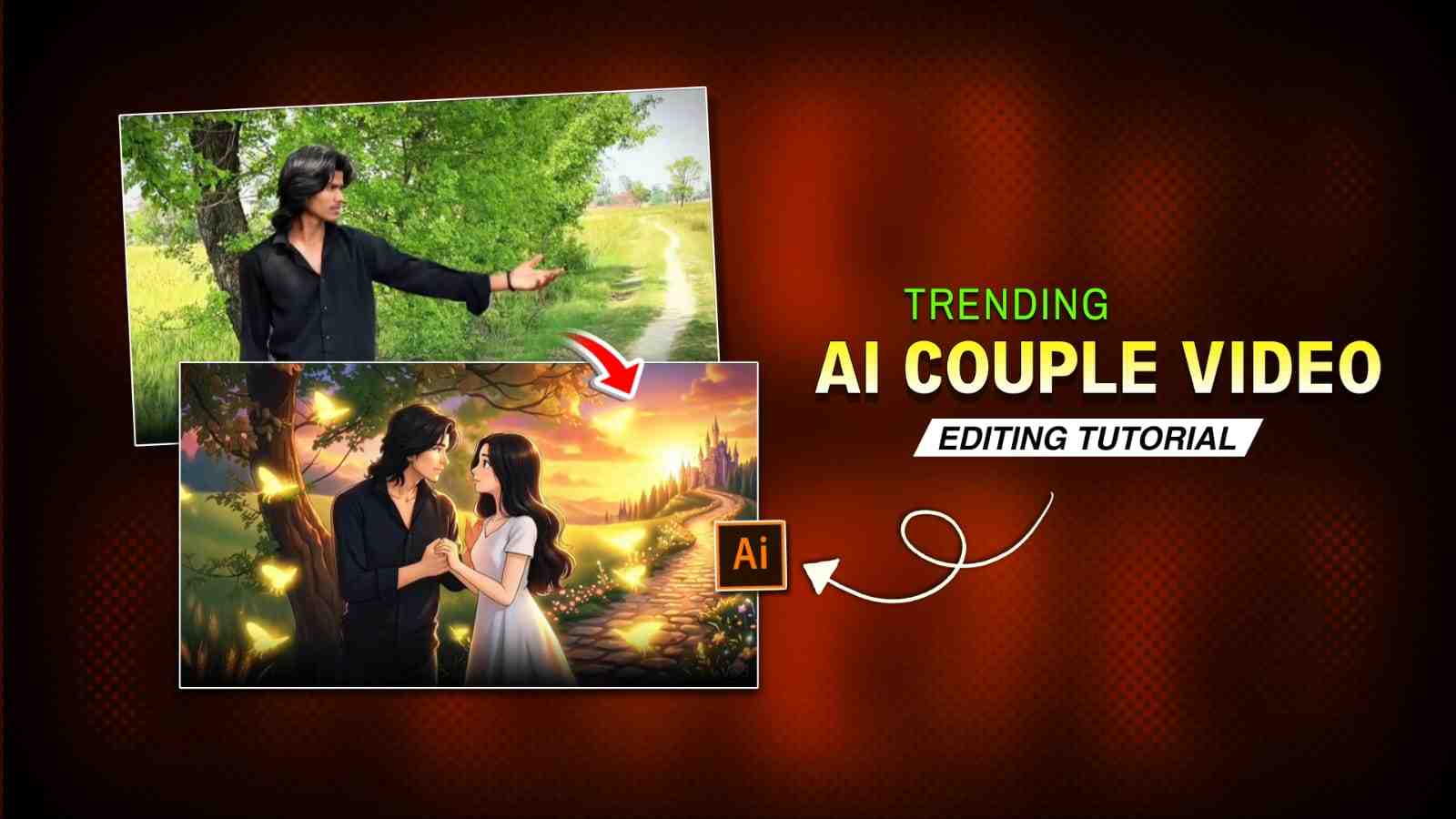
In today’s article, I am going to talk about the Instagram trending AI couple reels that are going viral. People love to create such reel videos because they connect deeply with emotions and feelings. These kinds of reels are based on true love, where a boy expresses his love virtually. One of the best things about these videos is the cartoon-style effect, which makes it feel like the boy is truly missing his partner in real life. In the background, an emotional song plays that perfectly fits the reel and touches the hearts of the audience. If you have someone you miss in your life, you should try this edit and share it on your Instagram, your reel might even reach millions of views.
Why This Trend Is Going Viral
This trend is going viral because it perfectly combines emotion, storytelling, and eye-catching AI visuals. People are naturally drawn to content that reflects love, memories, and the feeling of missing someone, and these AI couple reels present those emotions in a visually beautiful and relatable way. The cartoon-style animation adds a unique and dreamy touch, making the videos stand out from regular content. When paired with trending emotional music, these reels create a strong emotional impact that encourages viewers to like, share, and save and helping them spread quickly across Instagram.
Prompts for Viral AI Couple Video Editing
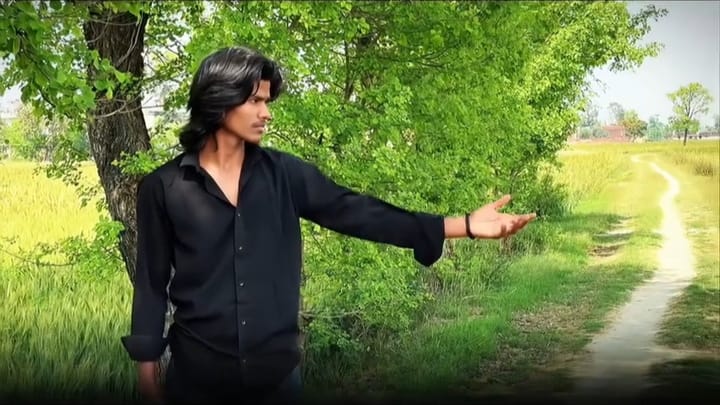
Photo Prompt ⬇️

Video Prompt ⬇️
How to Edit Trending AI Couple Reels for Instagram
If you want to make this kind of video, first record your clip as shown in the Instagram trend, then import it into any video editing app and trim the extra parts. Go to the end of the main clip and take a screenshot, then upload this screenshot to ChatGPT or Gemini, save the generated image, and upload that saved image again with your prompt. After that, go to Flow AI, upload the most recent image generated by ChatGPT, and paste your video prompt. Once your video is ready, download it, go back to your editing app, import the AI-generated video, and add a mix transition or any transition as per your need. Finally, export the video and post it on Instagram—your reel is ready to go viral.
How to Sync Music with Video Perfectly
Sometimes I notice that many people comment on my YouTube videos asking where to get the same music, how to sync it, what the song name is, and so on. There is a simple solution to this problem. Whenever you see any trending reel on Instagram, just download that video and import your clip into a video editing app like CapCut, InShot, or VN. Then go to the music or audio option, where you will find an option called “Extract song from video.” Select the trending reel that you downloaded, and the song will be extracted from the video and synced with your clips. After that, you can adjust your clips according to the song beat. Try this simple method, and your music-related problems will be solved.
Final Words
In this article, I have explained how to make viral Instagram AI couple reels using tools like ChatGPT, Flow AI, and any video editing app. I have covered almost everything, including how to record your video, how to use AI tools, and the complete editing process. If you face any problem, you can share your query in the comment box, or you can also contact me on Instagram.

Your editing teaching is very fantastic ✨