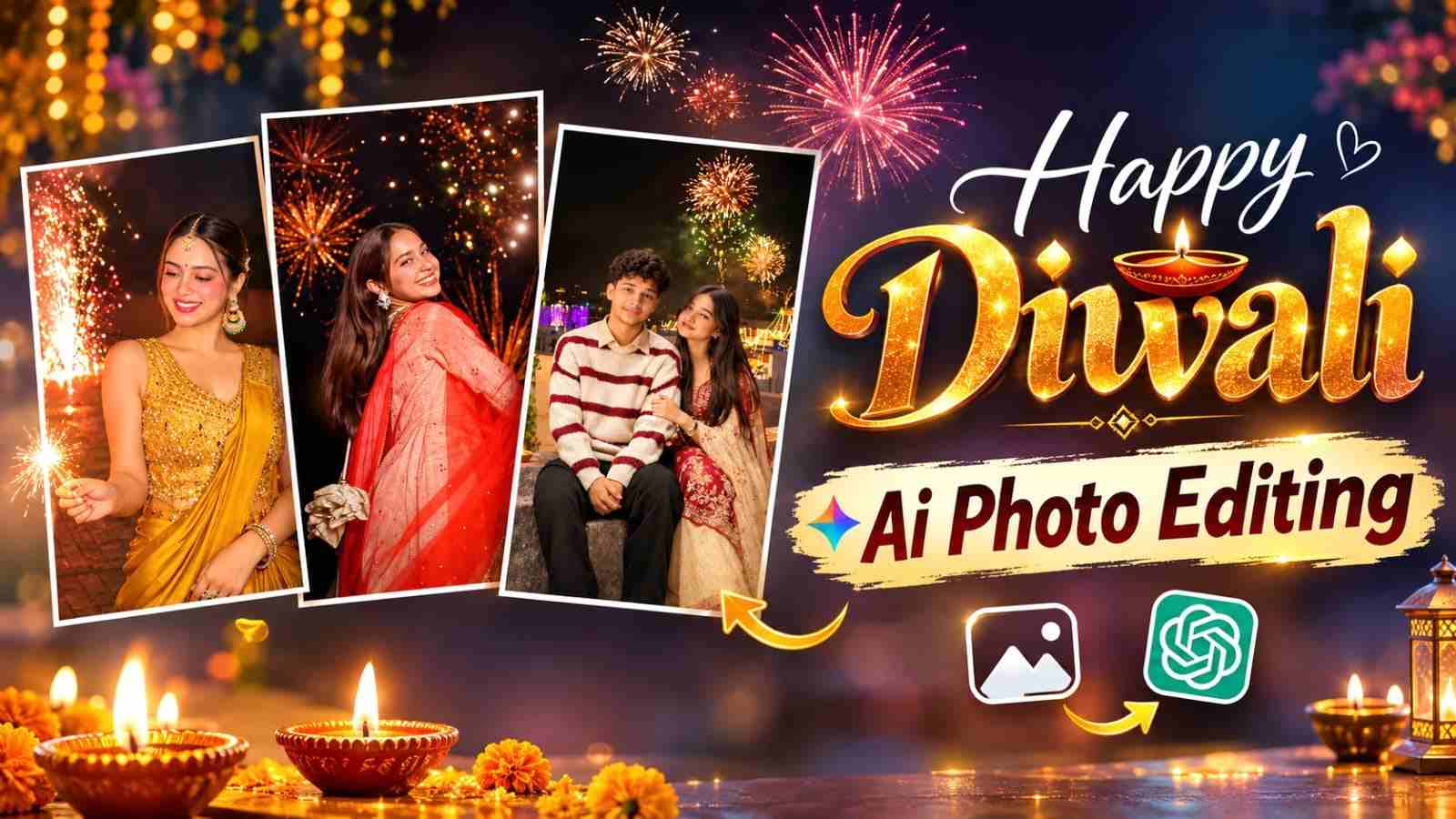
Diwali is one of the most beautiful festivals, celebrated with glowing diyas, colourful rangoli, traditional outfits, decorative lights, and fireworks. If you want to give your ordinary photographs a stunning festive look, AI photo editing can help you create beautiful Diwali-themed portraits. With the right prompt and a clear reference photo, you can generate realistic festive images featuring cinematic lighting, traditional decorations, and colourful backgrounds. In this article, you will find a trending Diwali AI photo editing prompt for 2026, along with simple instructions to create your own festive pictures using AI tools.
What Is Diwali AI Photo Editing?
Diwali AI photo editing is a creative way to transform your regular photographs into festive portraits using artificial intelligence. You can upload your picture and describe the changes you want, such as traditional clothing, glowing diyas, beautiful rangoli, fairy lights, and fireworks. AI image generation tools use your instructions to create or edit the photograph according to your selected style. You can experiment with different backgrounds, poses, lighting effects, and festive decorations to create personalised Diwali pictures for Instagram, Facebook, and WhatsApp.
Trending Diwali AI Photo Editing Prompt 2026
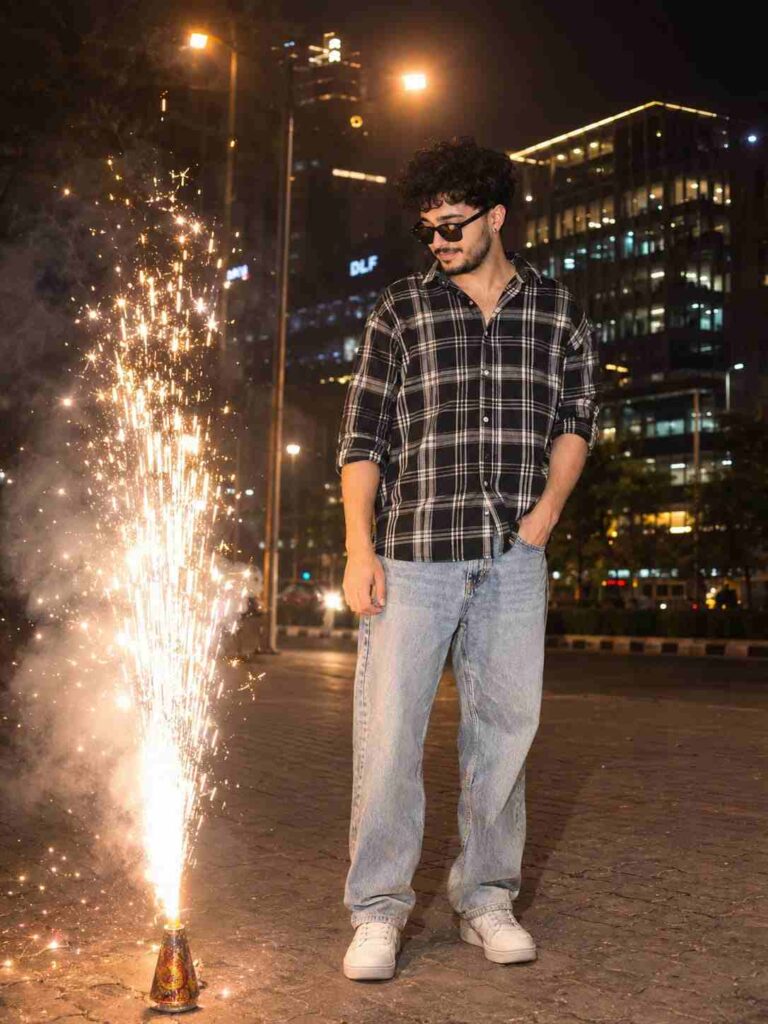
Full-body night photograph of a young South Asian man with a natural build, standing on a paved city street. He is looking down to his left at a large, bright, sparkling fountain firework (flower pot) erupting with golden sparks and smoke next to him. He has thick dark hair, a neat beard, and wears dark sunglasses, an untucked black-and-white plaid long-sleeve shirt with rolled sleeves, light wash relaxed-fit jeans, and white sneakers. His left hand is in his pocket. Background features modern illuminated office buildings and streetlights. Nighttime lighting, cinematic bokeh, 8k, highly detailed.
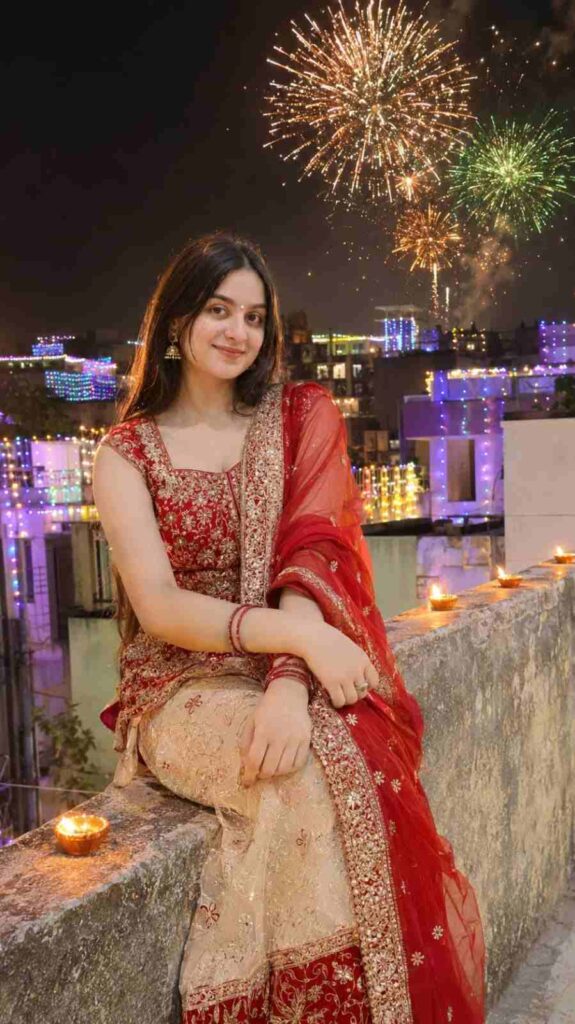
Create an ultra-realistic 4K DSLR nighttime Diwali rooftop photograph in vertical 9:16 ratio using the uploaded girl's photo as the EXACT identity reference. STRICT IDENTITY LOCK: Preserve her original face, facial structure, skin tone, eyes, nose, lips, hairstyle and body proportions exactly as in the uploaded photo. Do not beautify, modify or replace her face. Show her sitting on a rooftop concrete parapet, looking at beautiful golden, orange and green fireworks across the night sky. She wears an elegant red and cream traditional festive outfit with subtle jewellery. Decorate the rooftop and Indian city buildings with colourful Diwali fairy lights and glowing diyas. Natural fireworks lighting, authentic expression, realistic skin texture, cinematic nighttime photography. Keep her clearly visible from head to legs. No face changes, no extra fingers, no distorted anatomy, no CGI, no text, no watermark.
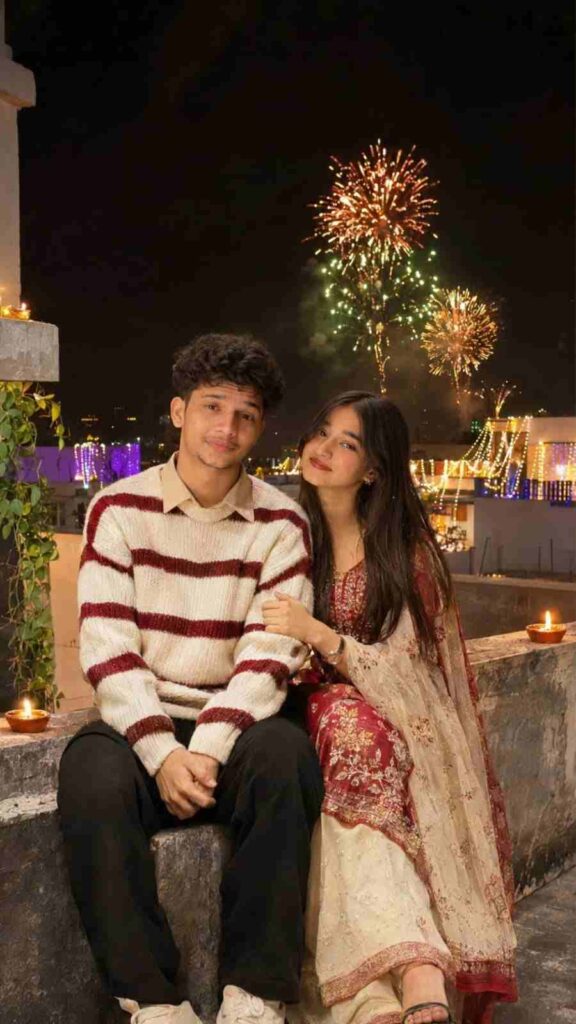
Create an ultra-realistic 4K DSLR nighttime Diwali rooftop couple photograph in vertical 9:16 ratio using BOTH uploaded photos as EXACT identity references. STRICT IDENTITY LOCK: Preserve the boy's and girl's original faces, skin tones, facial features, hairstyles and body proportions exactly as in their respective uploaded photos. Do not change, beautify, mix or replace either face. Show them sitting lovingly together on a rooftop concrete parapet, looking towards beautiful golden, orange and green fireworks across the dark sky. The boy wears a cream-white knitted sweater with red horizontal stripes, beige collared shirt and black trousers. The girl wears an elegant red and cream traditional festive outfit with subtle jewellery. Decorate the rooftop and surrounding Indian buildings with colourful Diwali fairy lights and glowing diyas. Warm fireworks illuminate their faces naturally. Authentic candid expressions, realistic skin texture, cinematic nighttime photography. Keep both people clearly visible from head to legs. No face changes, no face swapping, no extra fingers, no distorted anatomy, no CGI, no text, no watermark.
How to Create Diwali AI Photos Using ChatGPT or Gemini
Follow these simple steps to create your own Diwali-themed photograph using an AI image generation tool:
- Open the ChatGPT app or Google Gemini website.
- Sign in to your account.
- Open the image generation or image editing feature.
- Upload a clear photograph that you want to edit.
- Copy the Diwali AI photo editing prompt from this article.
- Paste the complete prompt into the instruction box.
- Submit your instructions and wait for the AI-generated image.
- Review the result and request changes if necessary.
- Save your favourite image and share it on social media.
Conclusion
The Trending Diwali AI Photo Editing Prompt 2026 is a creative way to transform your favourite photographs into beautiful festive portraits. With a clear reference image and detailed instructions, you can experiment with traditional outfits, glowing diyas, colourful rangoli, and cinematic fireworks. Copy the prompt, try it with your preferred AI tool, and create a personalised Diwali picture to share with friends and family. Keep visiting Vipul Squad for more trending AI photo editing prompts, creative ideas, and useful editing tutorials!