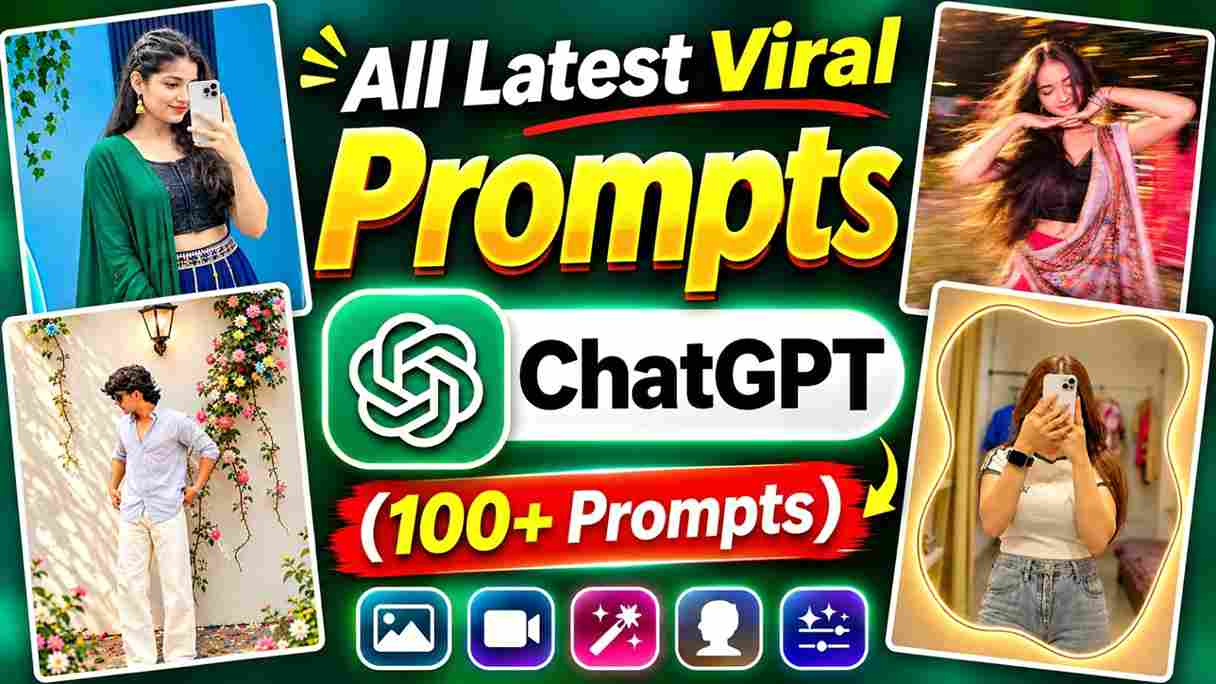
Are you looking for the latest viral ChatGPT prompts to create amazing AI photos, cinematic portraits, stylish Instagram posts, and creative images? You are in the right place! ChatGPT has become a popular tool for creating unique AI images and exploring different photo editing styles. With the right prompt and a suitable reference photo, you can transform your ordinary pictures into creative digital artwork. In this article, I have collected 100+ latest ChatGPT prompts for 2026 that you can copy and use for different image editing ideas. Whether you want a realistic DSLR portrait, an aesthetic mirror selfie, a cinematic poster, or a trending social media edit, these prompts will help you explore your creativity.
What Is an AI Photo Editing Prompt?
An AI photo editing prompt is a simple text instruction that tells an AI tool how you want to create or edit a photo. You can use ChatGPT to generate creative prompts for different styles, such as cinematic portraits, mirror selfies, couple photos, fashion photography, and 3D cartoon images. Simply upload your photo, copy a suitable AI photo editing prompt, and tell ChatGPT what changes you want. You can also describe the background, outfit, lighting, pose, and camera effects. For better results, use clear instructions and mention which facial features should remain unchanged. These prompts make creative photo editing easier for beginners.
Latest ChatGPT Prompts – Updated Daily
Here, you will find the latest and trending ChatGPT AI photo editing prompts. I regularly add new prompts to this collection so you can explore different photo editing styles and creative ideas. Check this section every day to discover new prompts, copy your favourites, and create amazing AI photos using ChatGPT.
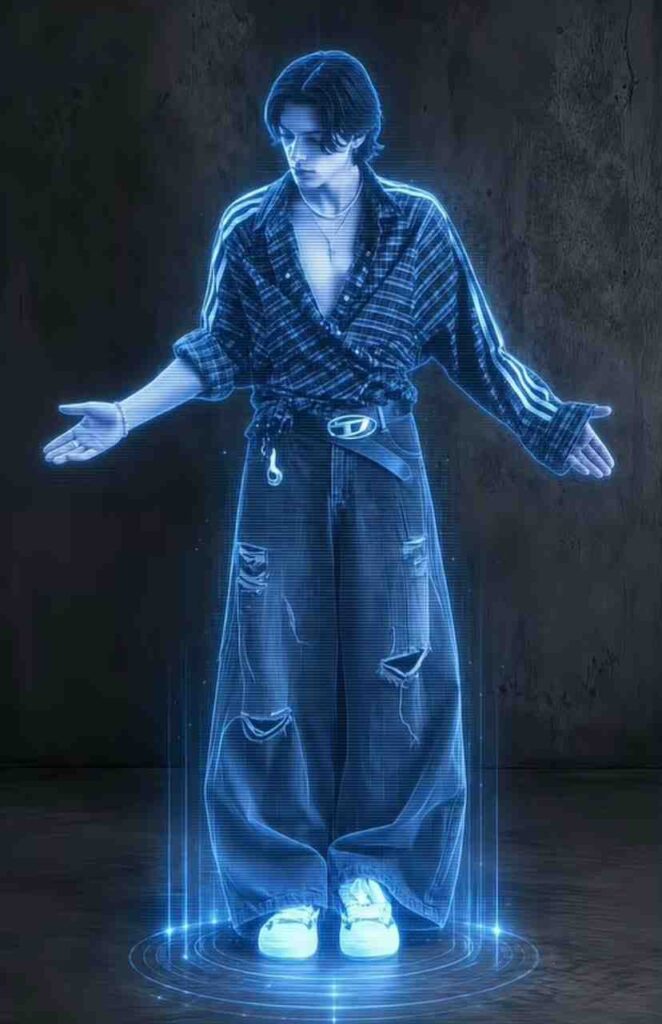
Ultra-realistic 8K full-body futuristic holographic portrait of a young man standing confidently with both arms stretched sideways and palms open, wearing an oversized dark striped shirt, extremely baggy black cargo jeans, belt and white sneakers. Medium-length messy wavy black hair, head slightly tilted downward. Transform the entire person into a glowing electric-blue hologram with transparent digital scanlines, neon blue outlines, horizontal glitch lines and luminous edges. Add a futuristic circular holographic projection platform beneath his feet with glowing blue rings, vertical light beams and tiny digital particles. Dark industrial concrete wall background, black floor, cinematic low-key lighting, cyberpunk atmosphere, high contrast, realistic fabric details, sharp holographic effects, professional digital art, full-body composition, vertical 9:16 aspect ratio.
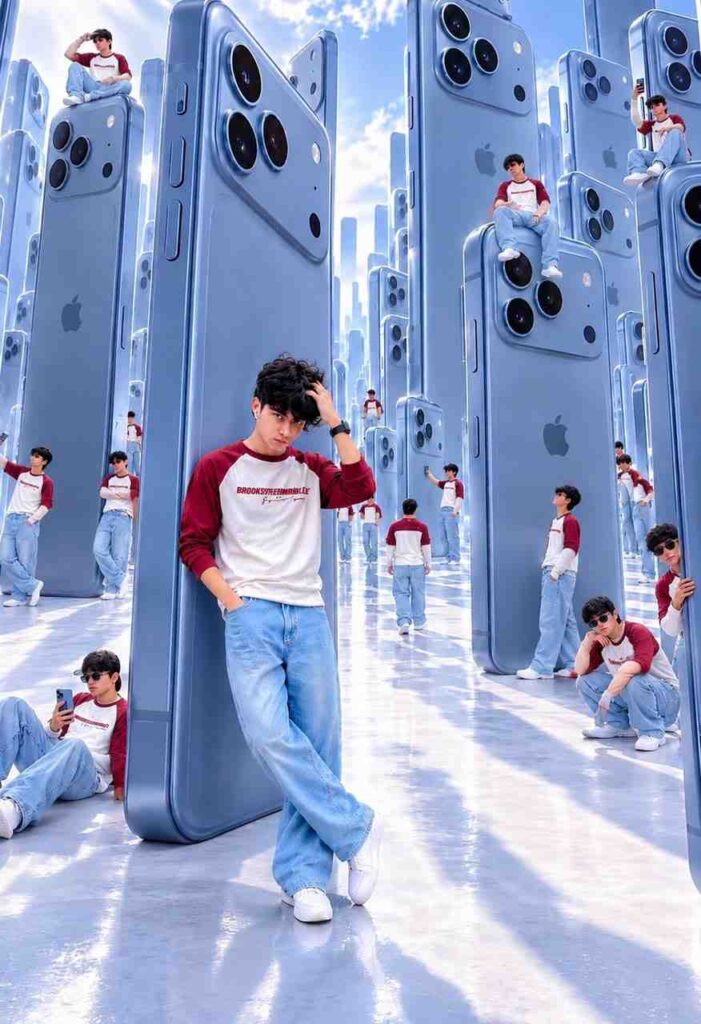
Create an ultra-realistic 8K cinematic 3:4 photo using my uploaded image. Preserve my exact face and identity (100% Face Lock). Show me wearing a blue #01 football jersey, white full-sleeve T-shirt, baggy light-blue jeans, blue LA cap, black sunglasses and brown boots. I am leaning against a gigantic blue iPhone 18 Pro Max in a futuristic city filled with oversized iPhones. Add multiple miniature clones of me sitting, standing and posing on the giant phones. Bright blue sky, glossy reflective floor, realistic shadows, wide-angle photography, premium cinematic lighting, photorealistic details. Match the reference image composition and colors exactly.
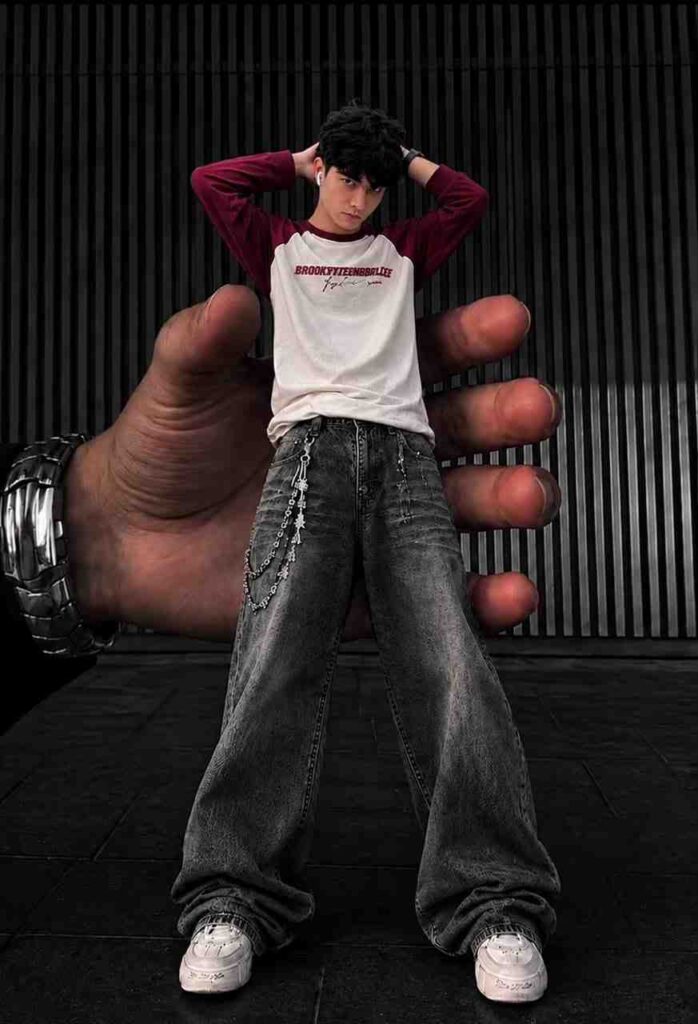
Ultra-realistic 8K full-body streetwear fashion photograph of a stylish young man with curly black hair, standing confidently with both hands behind his head. Wearing a white T-shirt with burgundy sleeves, oversized patterned grey baggy jeans, silver waist chains, white chunky sneakers, earbuds and a silver watch. A giant realistic human hand wearing a metallic watch holds the miniature-sized model from behind, creating a surreal forced-perspective illusion. Dark vertical black metal wall, charcoal tiled floor, centered composition, low-angle camera, dramatic cinematic lighting, deep shadows, premium editorial photography, highly detailed textures, photorealistic.
How to Use These ChatGPT Prompts for AI Photo Editing
Using these viral ChatGPT prompts is easy, even if you are new to AI photo editing. First, open the ChatGPT app or website and choose an image-capable experience. Select the prompt you like from this collection and copy the complete text. Upload a clear photo of yourself or the reference image you want to edit, then paste the selected prompt into the chat. If necessary, adjust the outfit, background, lighting, or pose details according to your preference. Submit your request and wait for the generated result. Once the image is ready, check the face, hands, background, and other details. You can refine the prompt and try again if the result does not match your expectations.
What Is ChatGPT and What Are Its Features?
ChatGPT is an AI-powered tool developed by OpenAI that helps people with different tasks using simple text instructions. You can use it to write articles, create content, learn new things, generate ideas, and get answers to your questions. One of its popular features is AI image generation, which allows you to create and edit pictures using text prompts. ChatGPT can also help with writing, translation, coding, summarising, and improving your work. You can even upload photos and files to get help with them. Its easy-to-use interface makes it useful for beginners, students, bloggers, and content creators.
Final Words
These 100+ All Latest Viral ChatGPT Prompts 2026 give you plenty of creative ideas for making stylish AI portraits, mirror selfies, couple photos, cinematic posters, festival edits, and social media images. You can copy your favourite prompt, upload a suitable reference photo, and customise the instructions to create an image that matches your style. Keep experimenting with different backgrounds, outfits, lighting, and photography effects to discover new editing ideas. I hope this collection helps you create amazing AI photos.